artmuse® ✳
PREPARING THE VISUAL ARCHIVE
Show the page ↗ FORM. TEXTURE. CHARACTER. 01 / MATERIAL
Home / Editable Video Templates
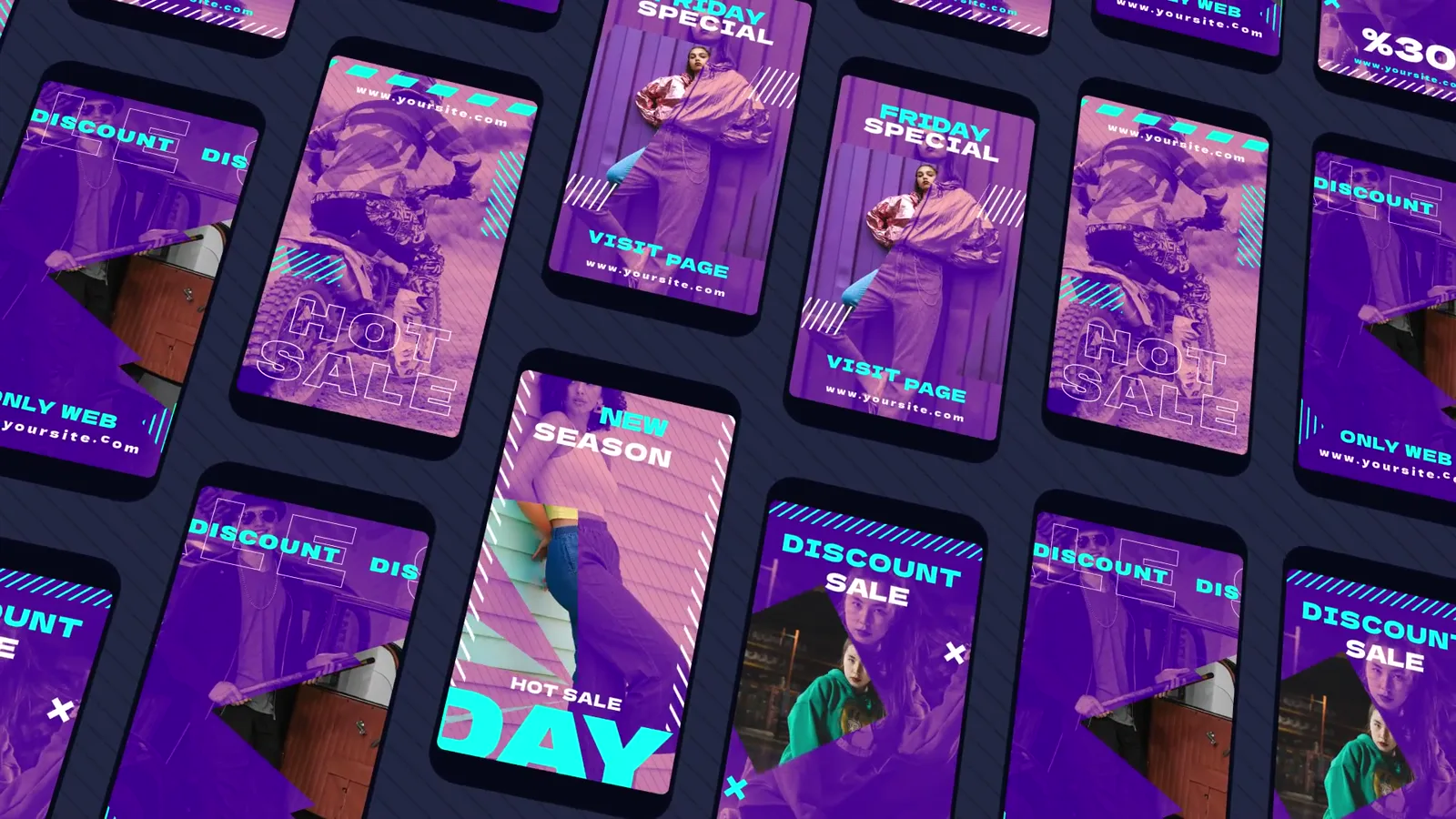
Instagram Story Slideshow Pack — twenty stories in four After Effects projects ✳ Editable Video Templates
EXPLORE EVERY DETAIL 02 / PREVIEWS
Your browser does not support embedded video.
← → Video preview
Silent · play on demand
Open images: 01 02 03 04 05 06 07 08
FORM / TEXTURE / CHARACTER
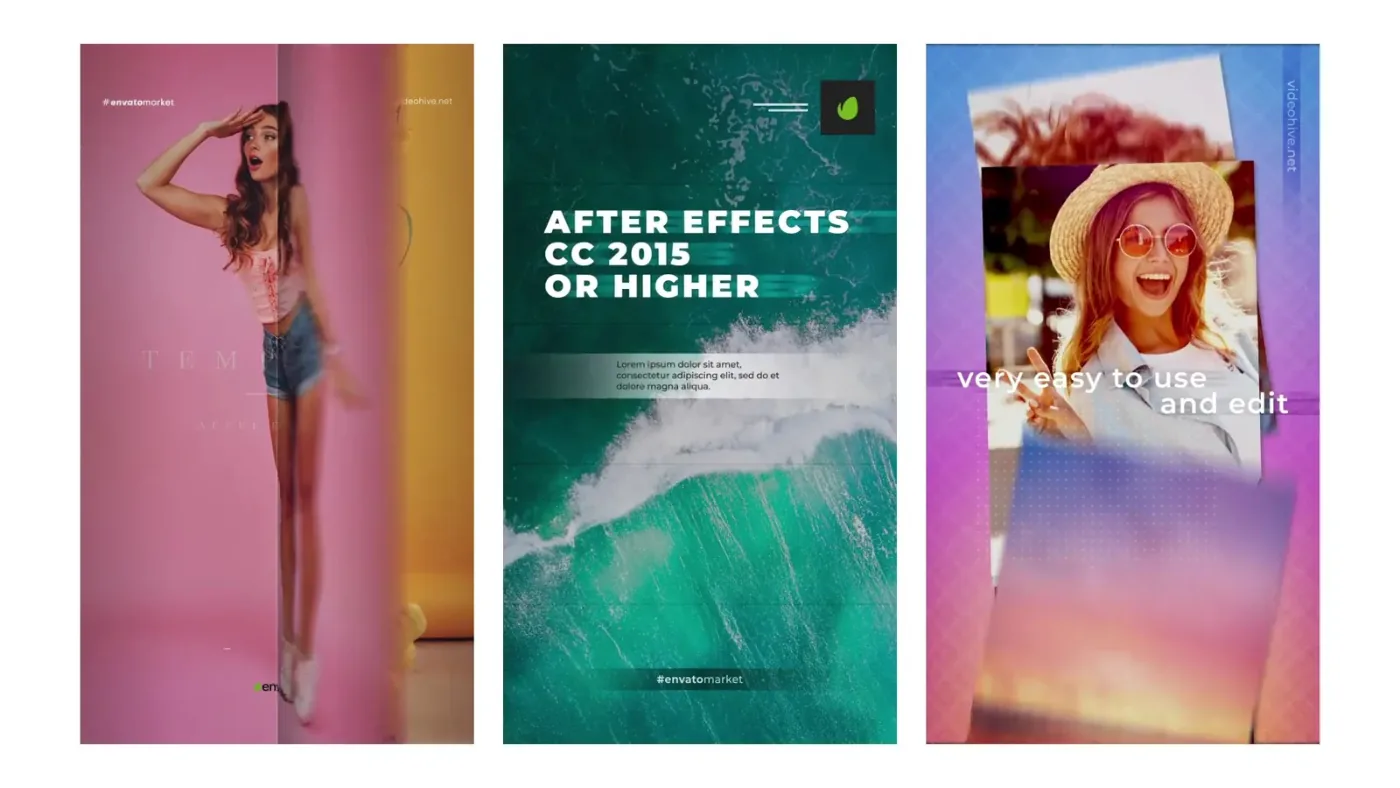
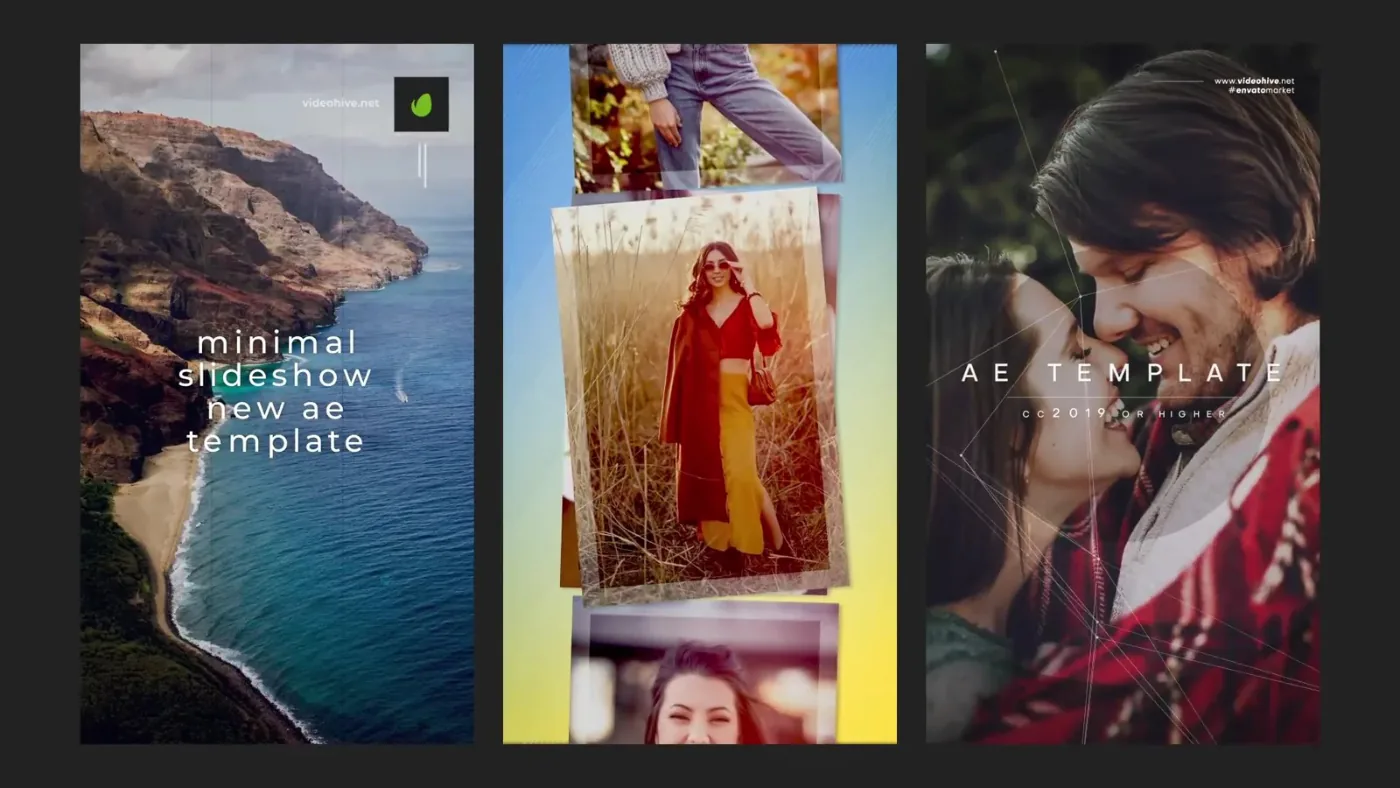
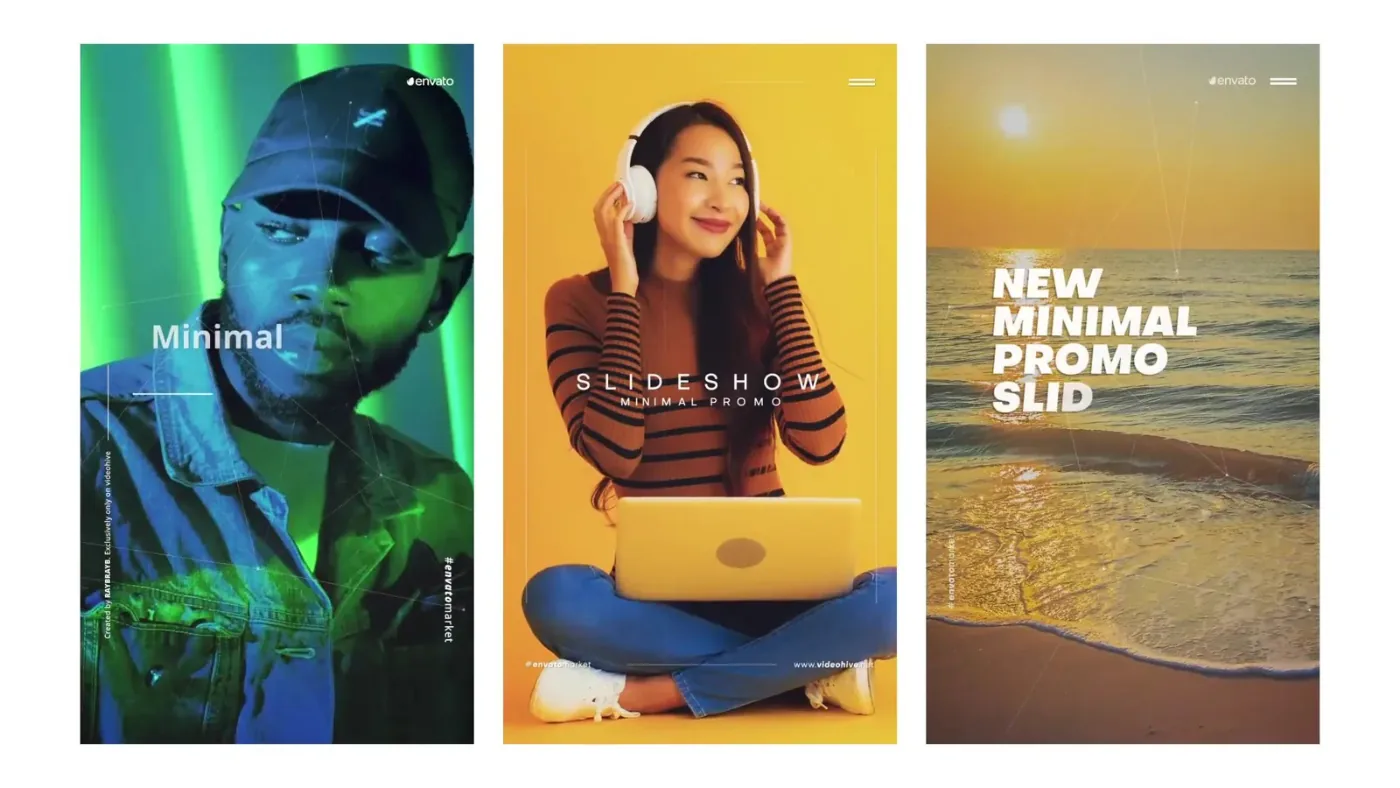
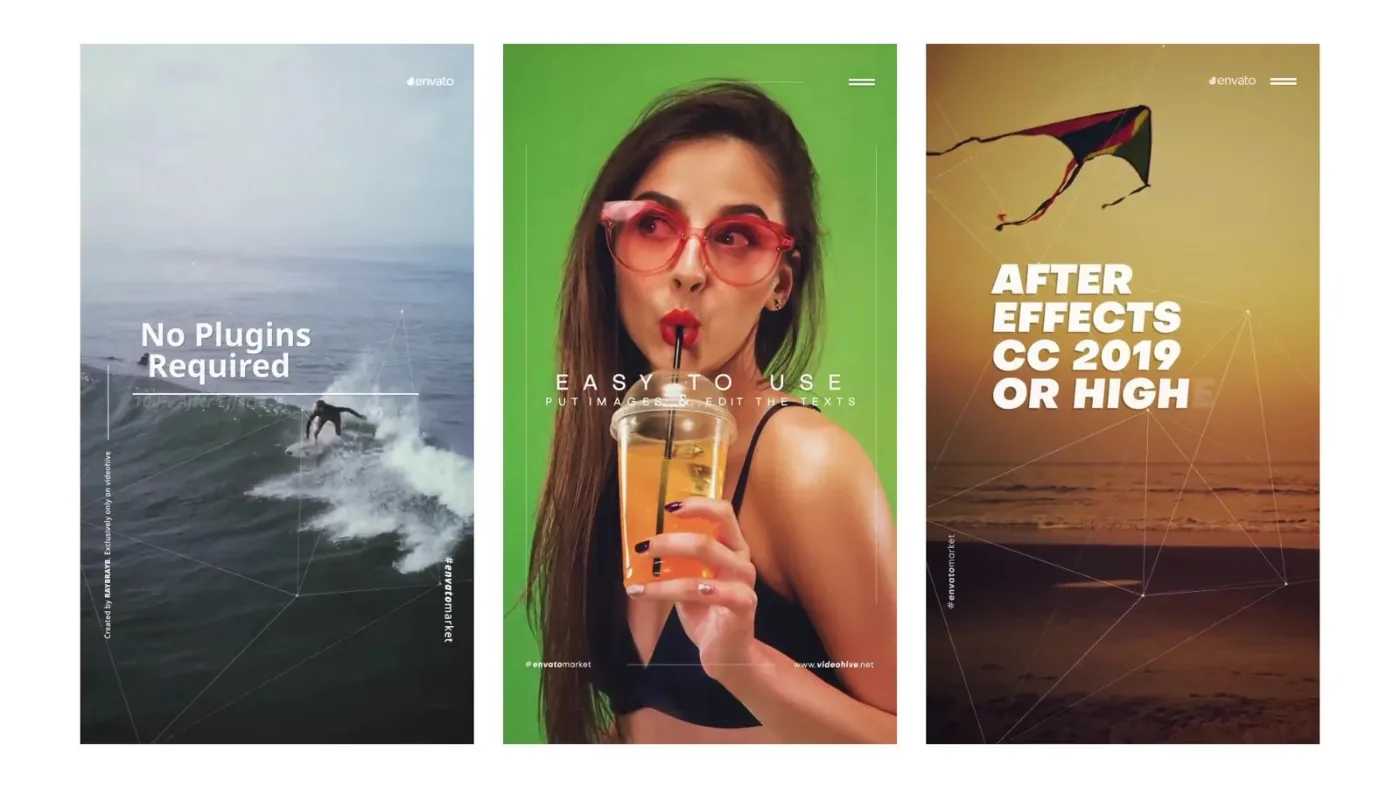
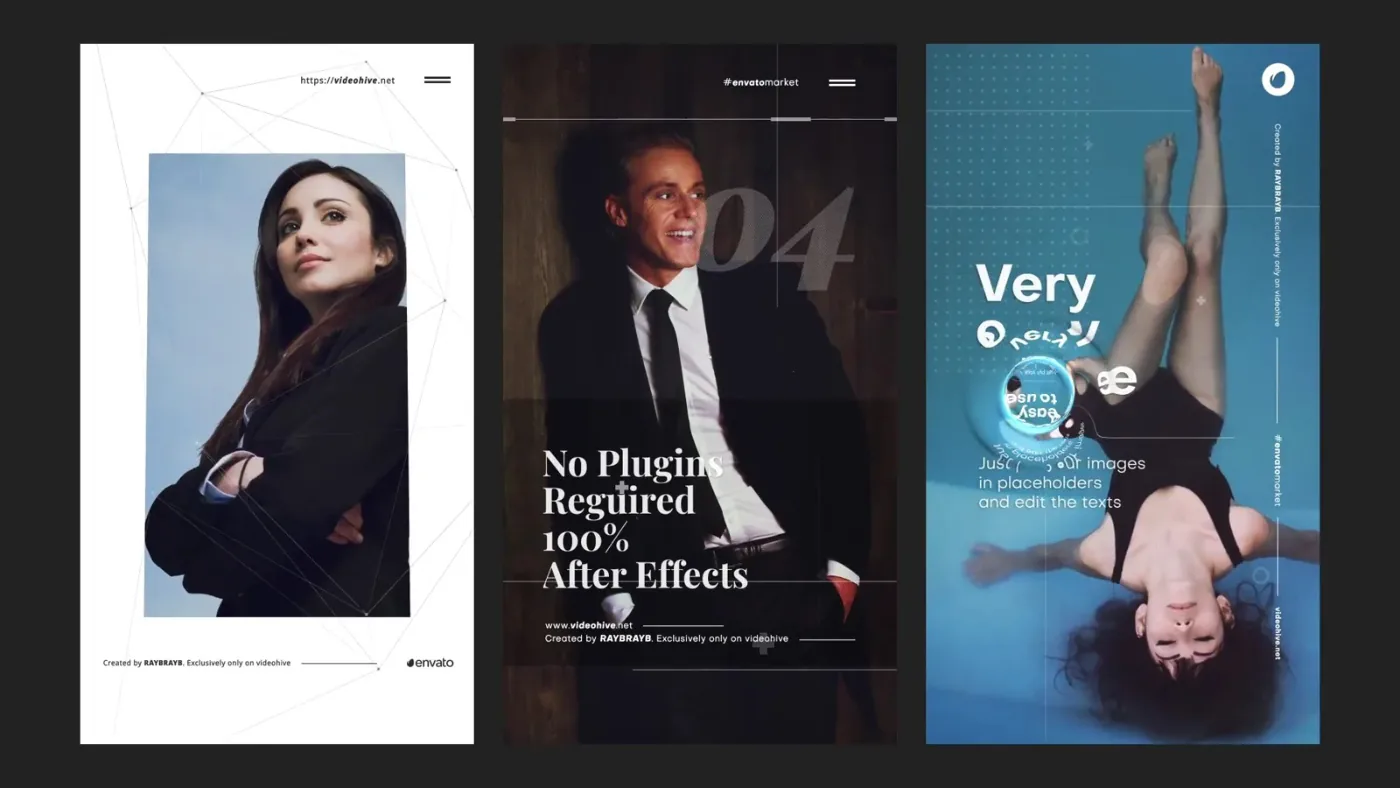
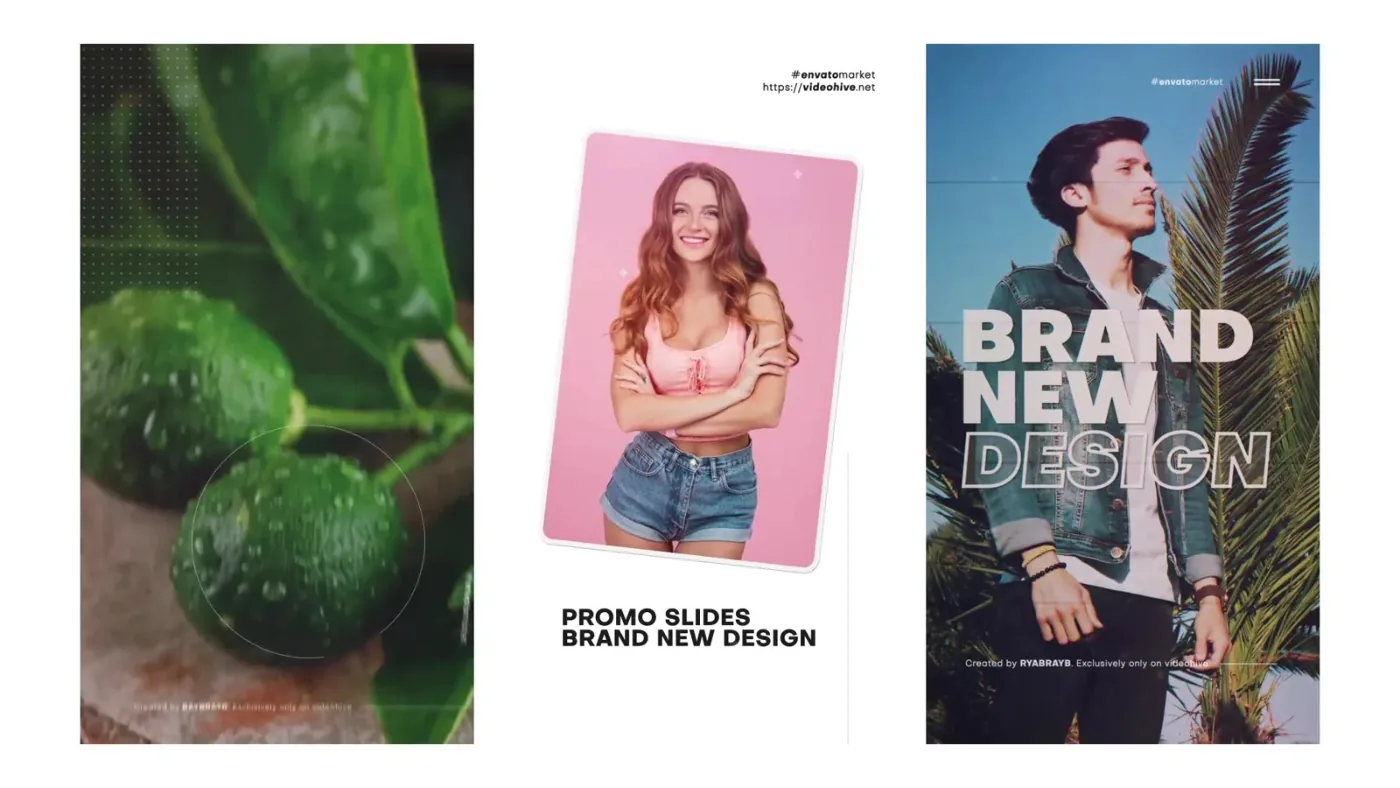
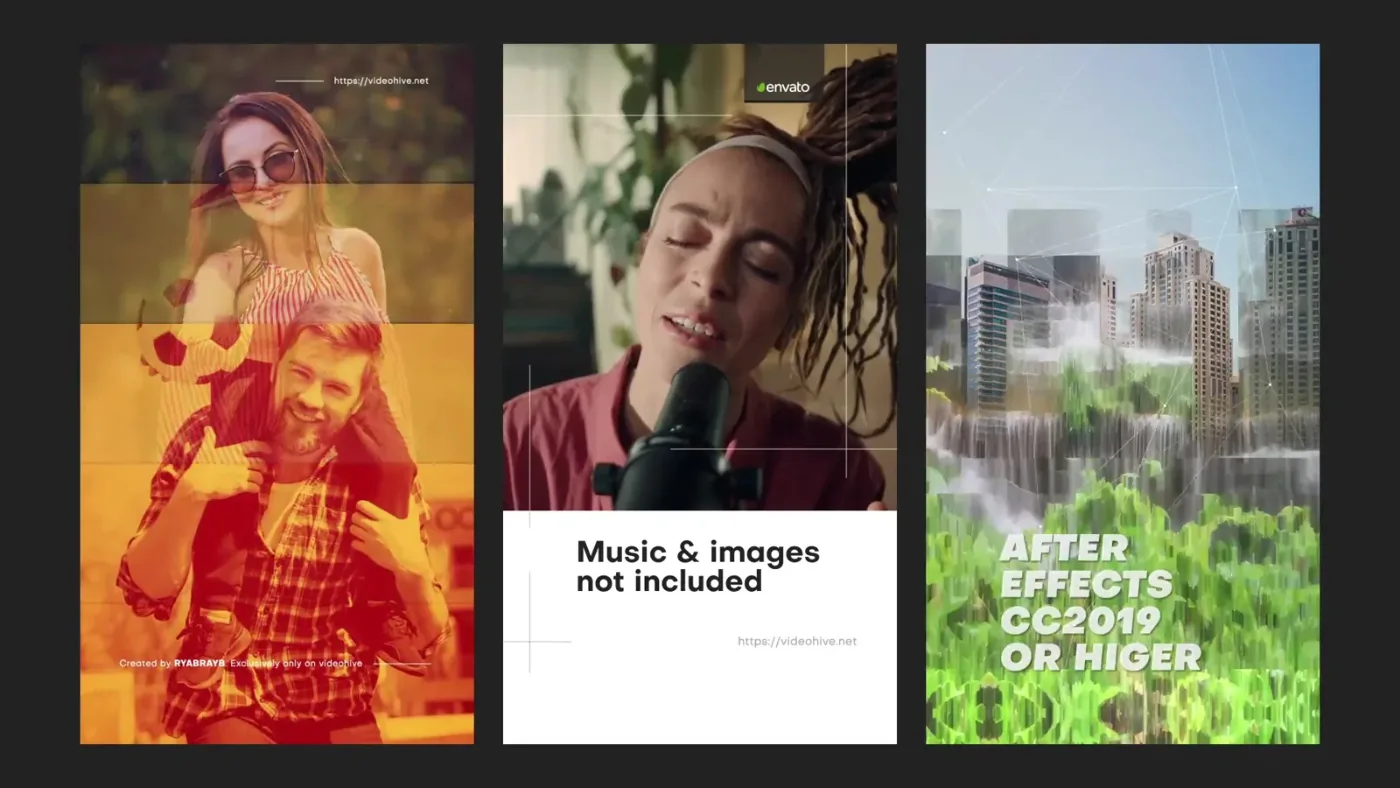
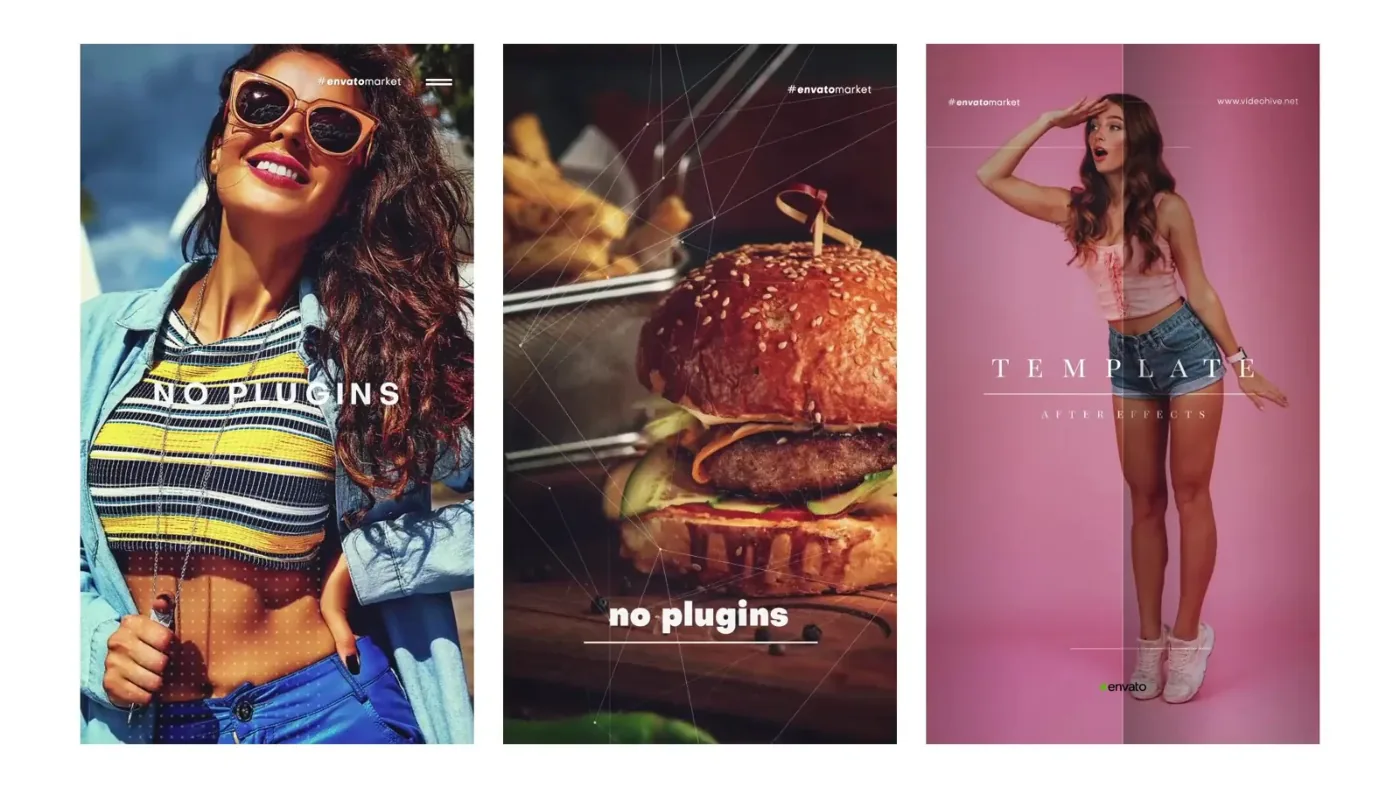
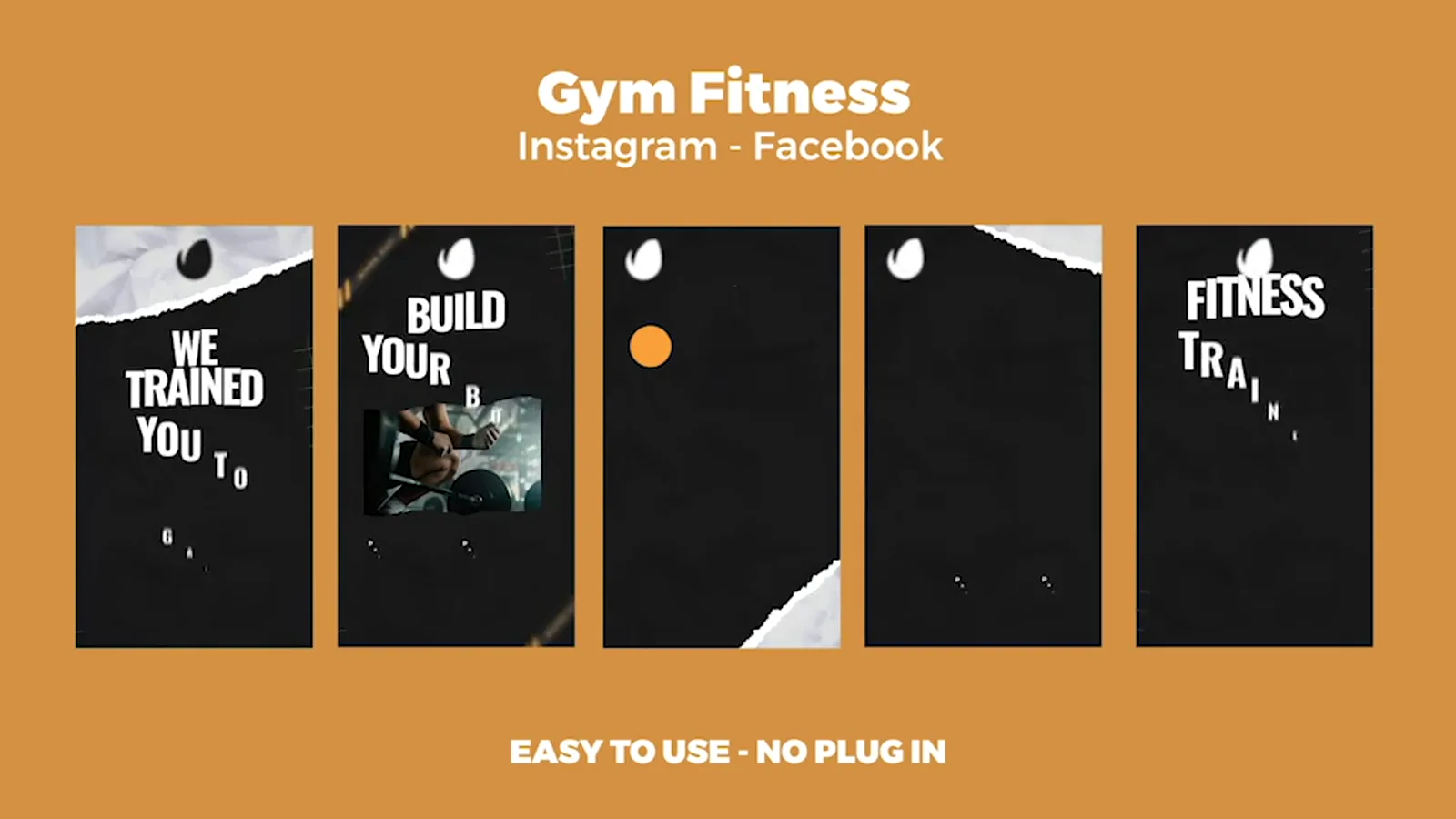
ONE IDEA.. Twenty vertical story layouts split into four After Effects projects of five stories each. Every story combines a photo, a short caption and a graphic accent; the archive includes a help PDF.
Specifications
Usage terms Use of the project files is governed by the licence of the original marketplace purchase.
Format AEP / PDF
Orientation Vertical
Duration Twenty stories, five per project
Documentation included
File size 65 MB (ZIP)
Compatibility After Effects
Previews 8 ARTMUSE LIBRARY
Included in the subscription · 699 ₽ / 30 days
Add the material to My materials and download the archive. Materials saved during your subscription remain available after it ends.
Sign in ↗ Add to My materials and download ↓
COLLECTION DOCUMENT 8 PAGES
01 Page 102 Page 203 Page 304 Page 405 Page 506 Page 607 Page 708 Page 8PDF PREVIEW · 8 / 8
Inside the PDF. 8 pages in the PDF
8 in the preview
Set AEP · PDF
Archive 65 MB (ZIP)
Works with After Effects Pages included
01 p. 1 02 p. 2 03 p. 3 04 p. 4 05 p. 5 06 p. 6 07 p. 7 08 p. 8 BEYOND THE SURFACE 03 / ABOUT
THE NATURE OF FORM
FREEDOM OF. ✳ Overview How to use
Twenty stories, four files The pack is organised in fives: each project holds stories 01–05, 06–10, 11–15 and 16–20. The layouts share one rhythm — a photo, a line of copy, an accent — and differ in composition, so a series of stories does not repeat the same frame.
Open the block you need The archive contains InstagramStorySlideshowPack_01-05.aep , _06-10.aep , _11-15.aep and _16-20.aep , plus Help.pdf . Open the file with the needed story numbers, replace the photos and copy, and render vertically.
← Video preview →
← → Browse · Esc Close