FORM. TEXTURE. CHARACTER.01 / MATERIAL
EDITABLE VIDEO TEMPLATES / AEP · JPG COLLECTION
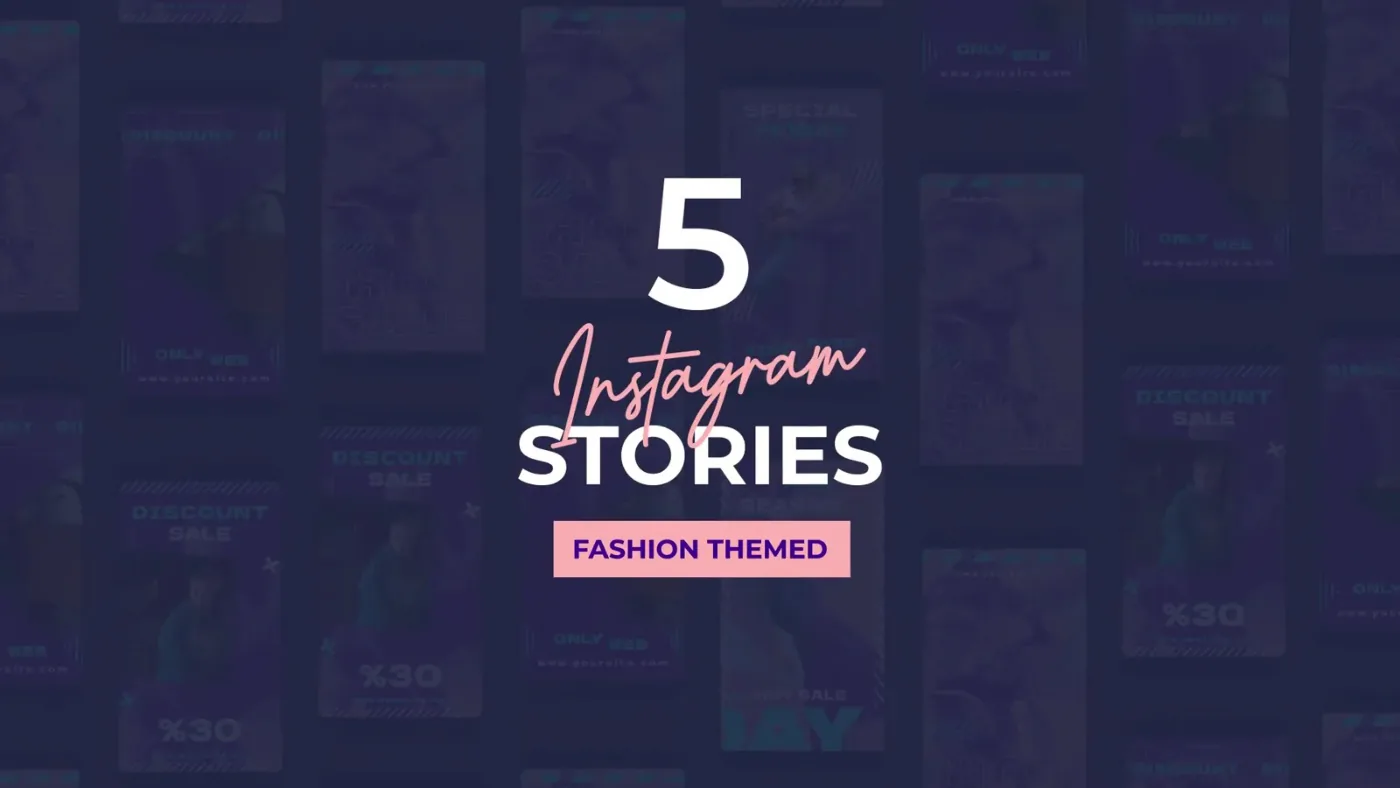
Fashion Instagram Stories — five sale-focused story layouts in After Effects
Editable Video Templates
AEP / JPG / TXT · After Effects
EXPLORE EVERY DETAIL02 / PREVIEWS
Video preview
Silent · play on demand09 COLLECTION PREVIEWSAEP / JPG / TXT
COLLECTION DOCUMENT8 PAGES
BEYOND THE SURFACE03 / ABOUT
CONTENTS / POSSIBILITIES / DETAILS
INSIDE THE MATERIAL.
Sale stories with a colour wash
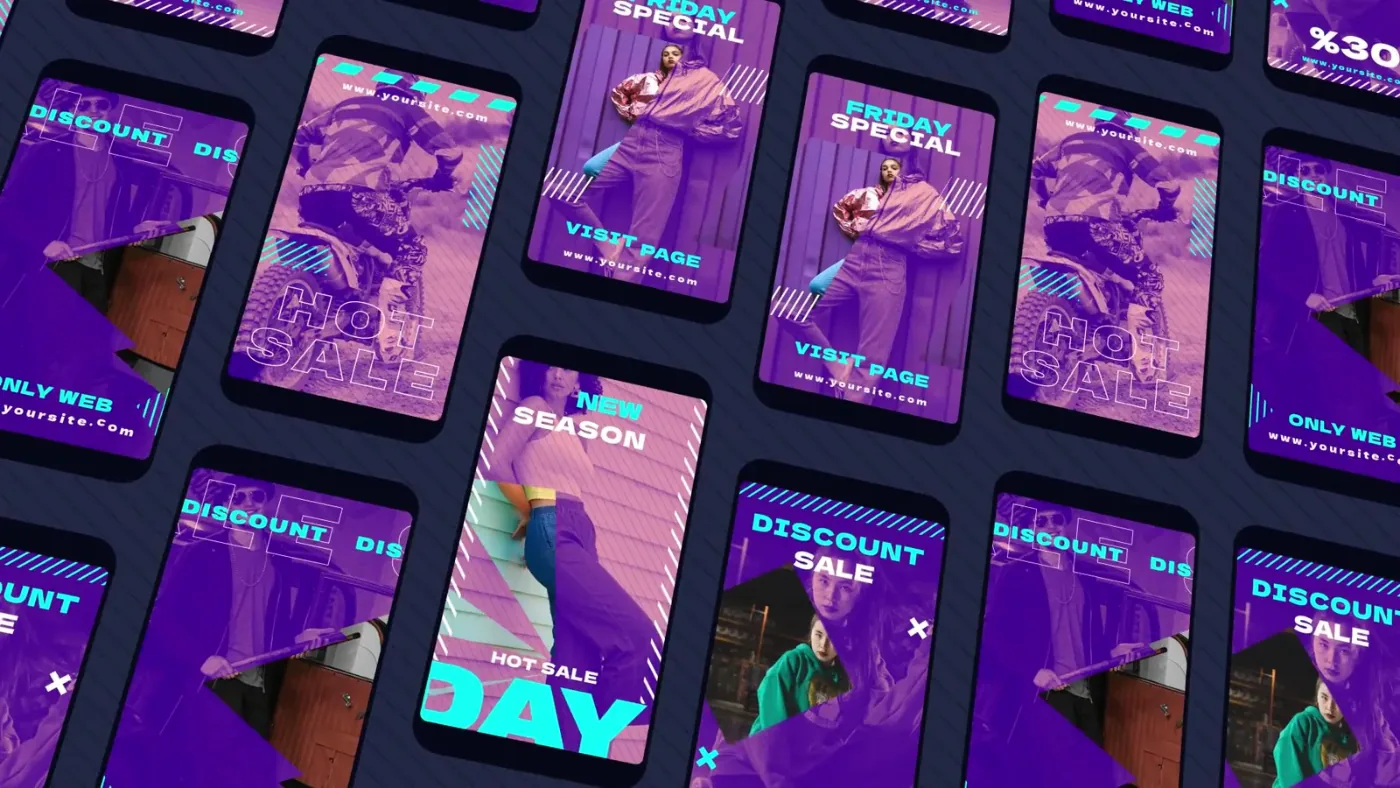
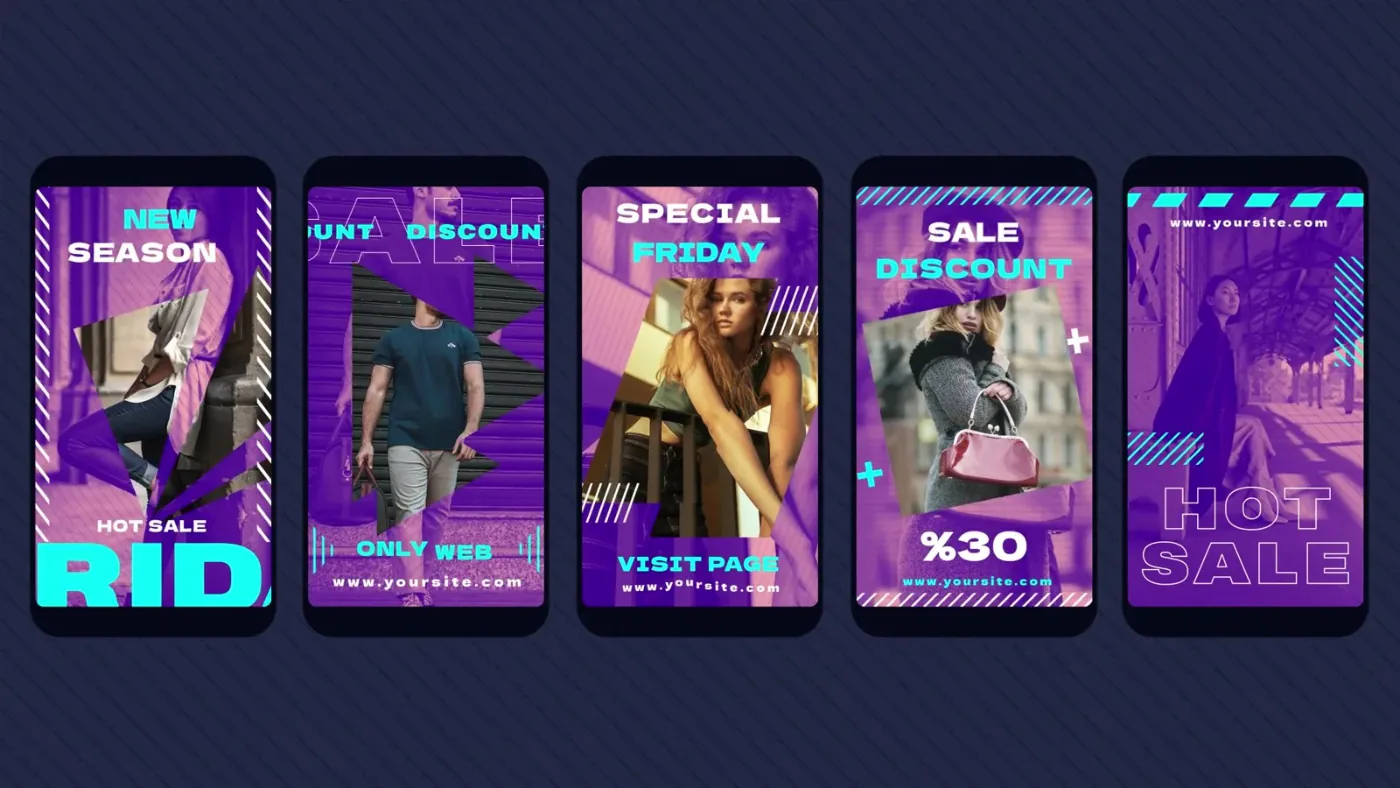
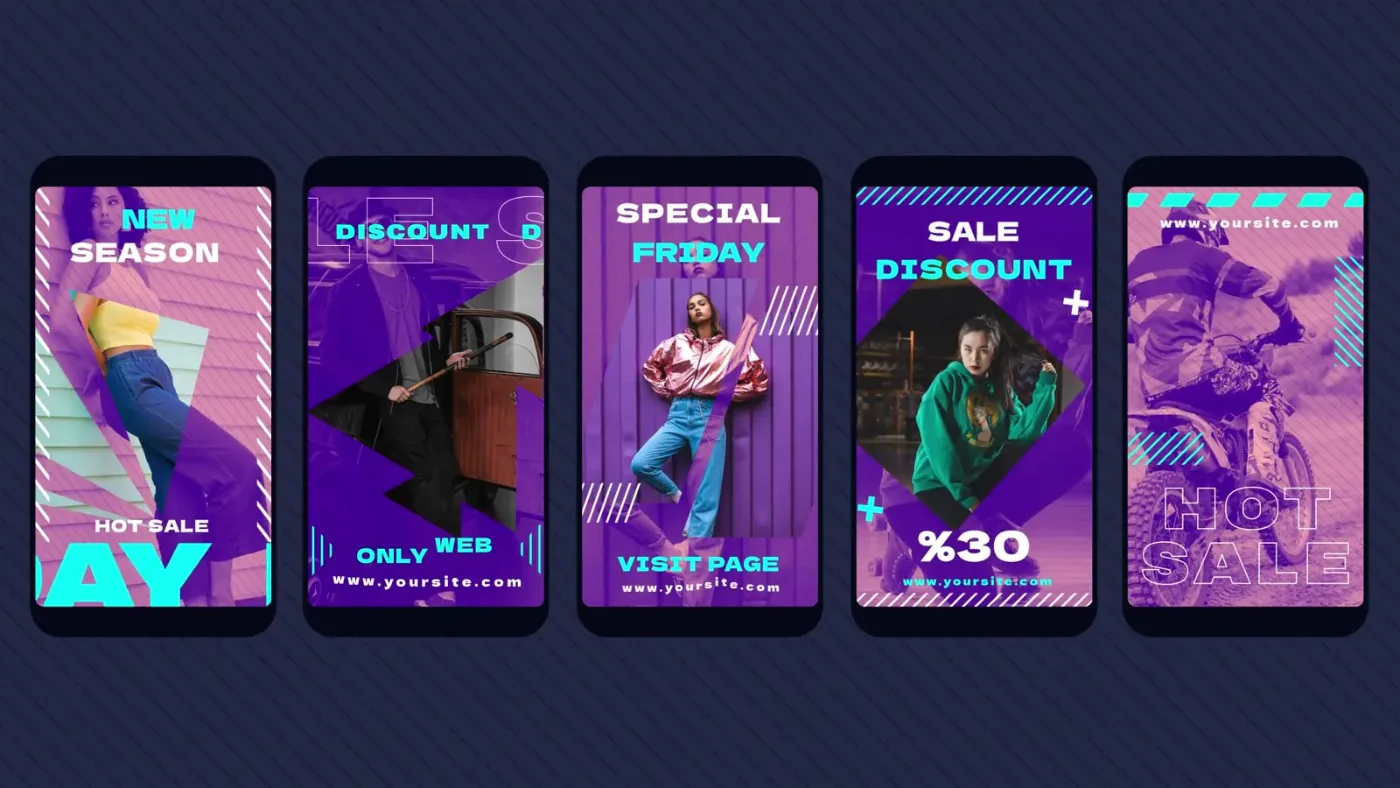
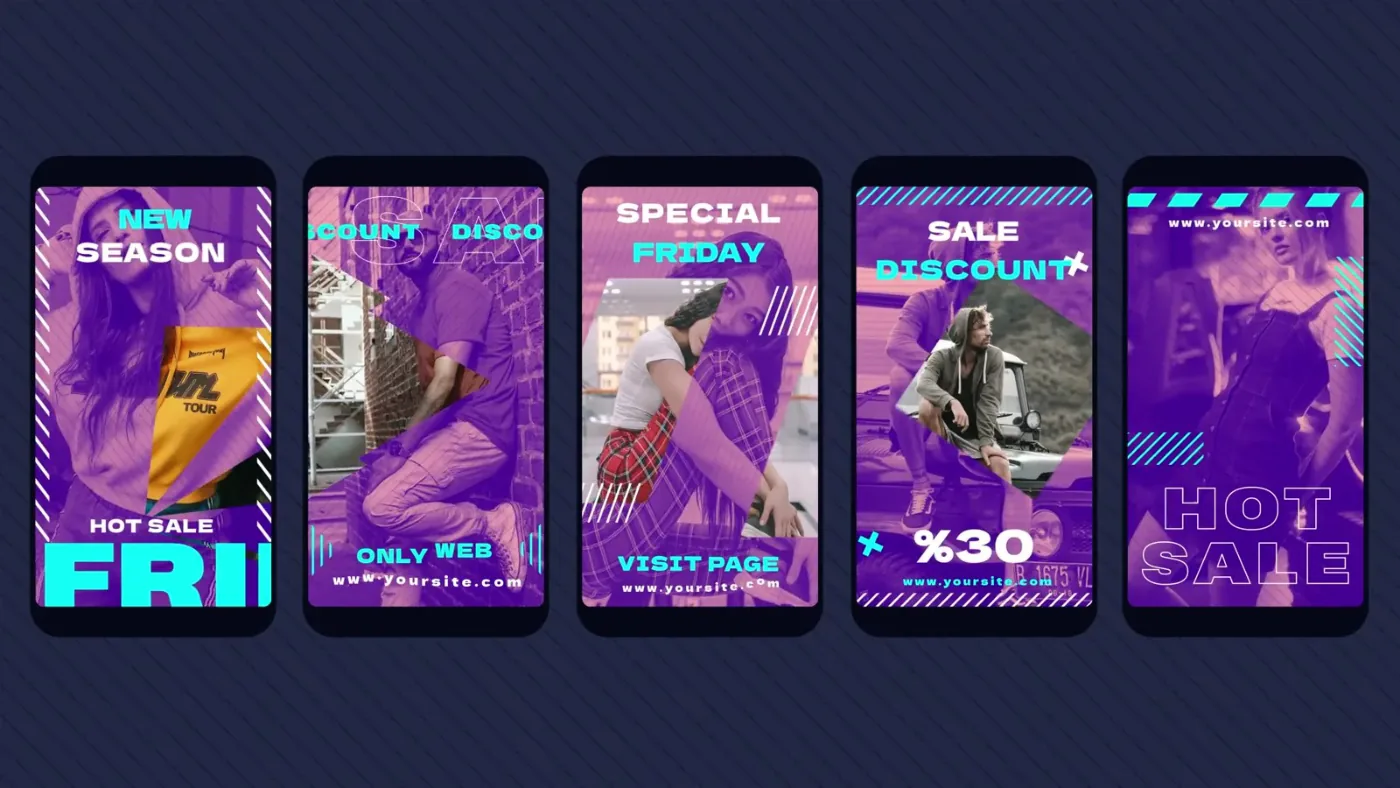
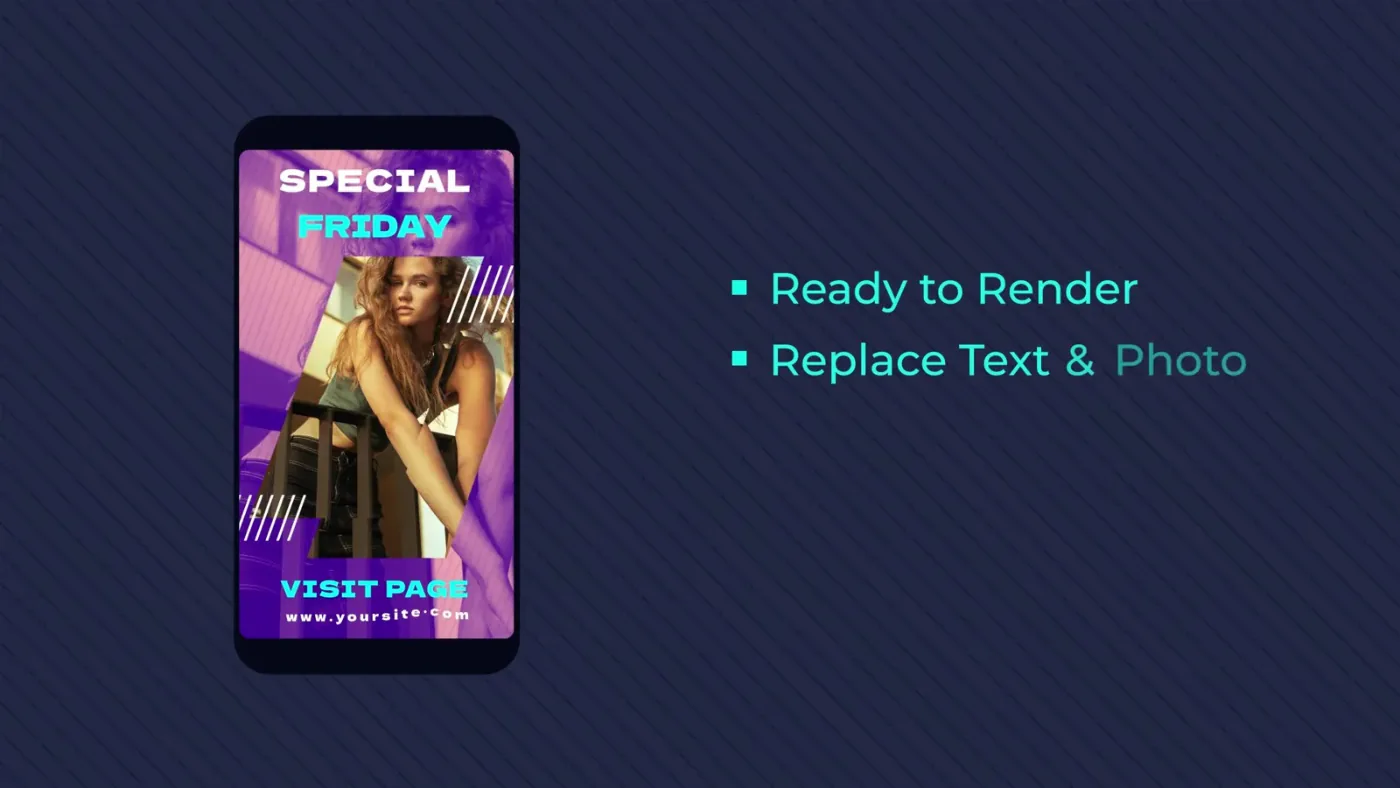
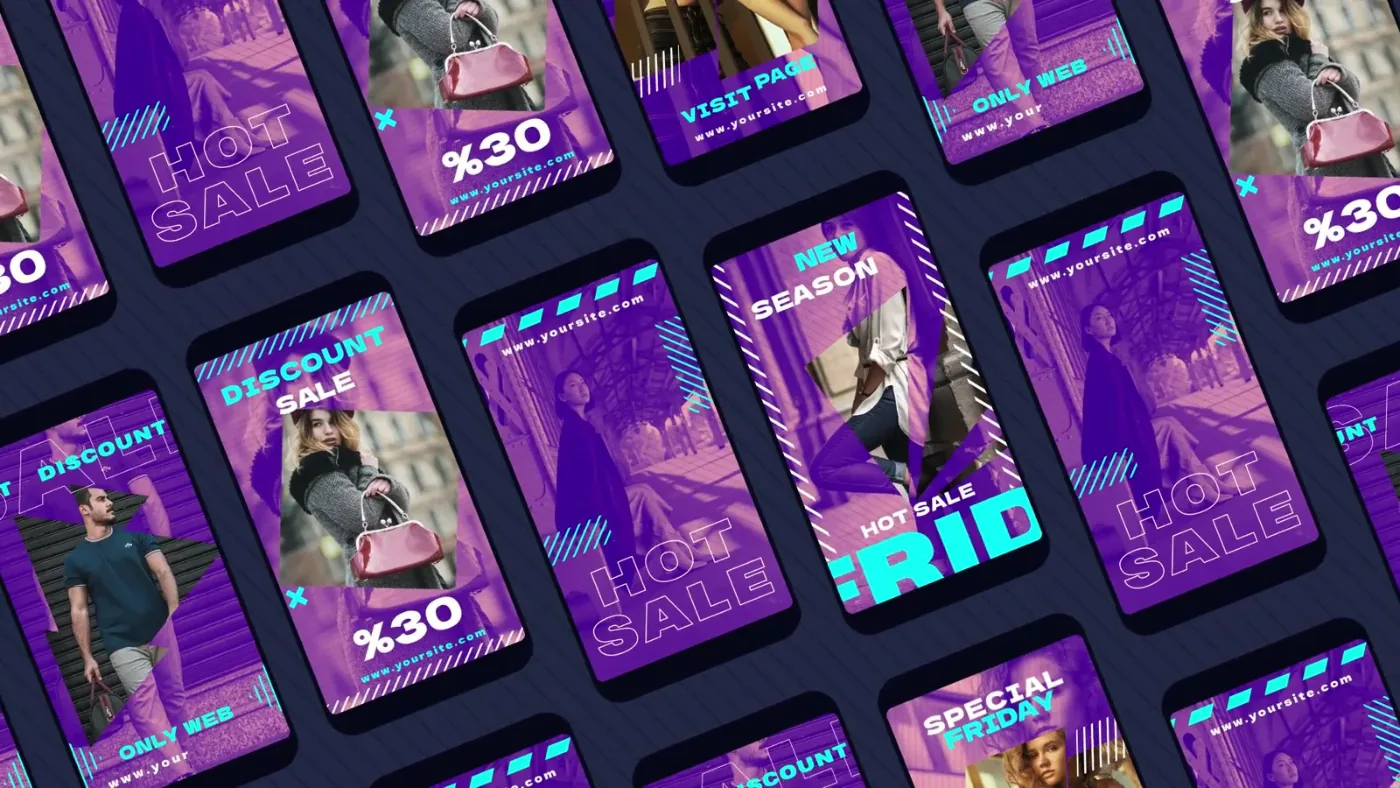
The five layouts share one recipe: a vertical photo, a violet overlay, cyan and pink accents, striped corner frames and a condensed uppercase headline in the middle of the frame. The copy changes from card to card — new season, discount, special Friday, 30% off, hot sale — and always leaves a line for the site address.
The project is a single After Effects file with no extra footage: photos are the only content to supply.
Project, guide image, font link
The archive holds Fashion_Instagram_Story.aep, a how to use.jpg walkthrough and a text file with the font link.
There is no PDF manual: the instructions are a single image, and the fonts used in the preview are installed separately from the link.
Swap the photo and the headline
Open the project, replace the photo layer in each story composition, edit the headline and the address, then render the sequence at story size. The overlay and frame layers stay untouched, so all five cards keep the same look.
The archive is small (0.6 MB) because it contains only the project and the guide — the preview reel in this listing is the rendered result.
CONTINUE THE COMPOSITION04 / RELATED