FORM. TEXTURE. CHARACTER.01 / MATERIAL
EDITABLE VIDEO TEMPLATES / AEP · MP4 COLLECTION
Multilayer Logo Reveal — 24 After Effects Variants, 4K, No Plugins
Editable Video Templates
AEP / MP4 / PDF · After Effects
EXPLORE EVERY DETAIL02 / PREVIEWS
Video preview
Silent · play on demand09 COLLECTION PREVIEWSAEP / MP4 / PDF
COLLECTION DOCUMENT8 PAGES
BEYOND THE SURFACE03 / ABOUT
CONTENTS / POSSIBILITIES / DETAILS
INSIDE THE MATERIAL.
A logo reveal built out of layers
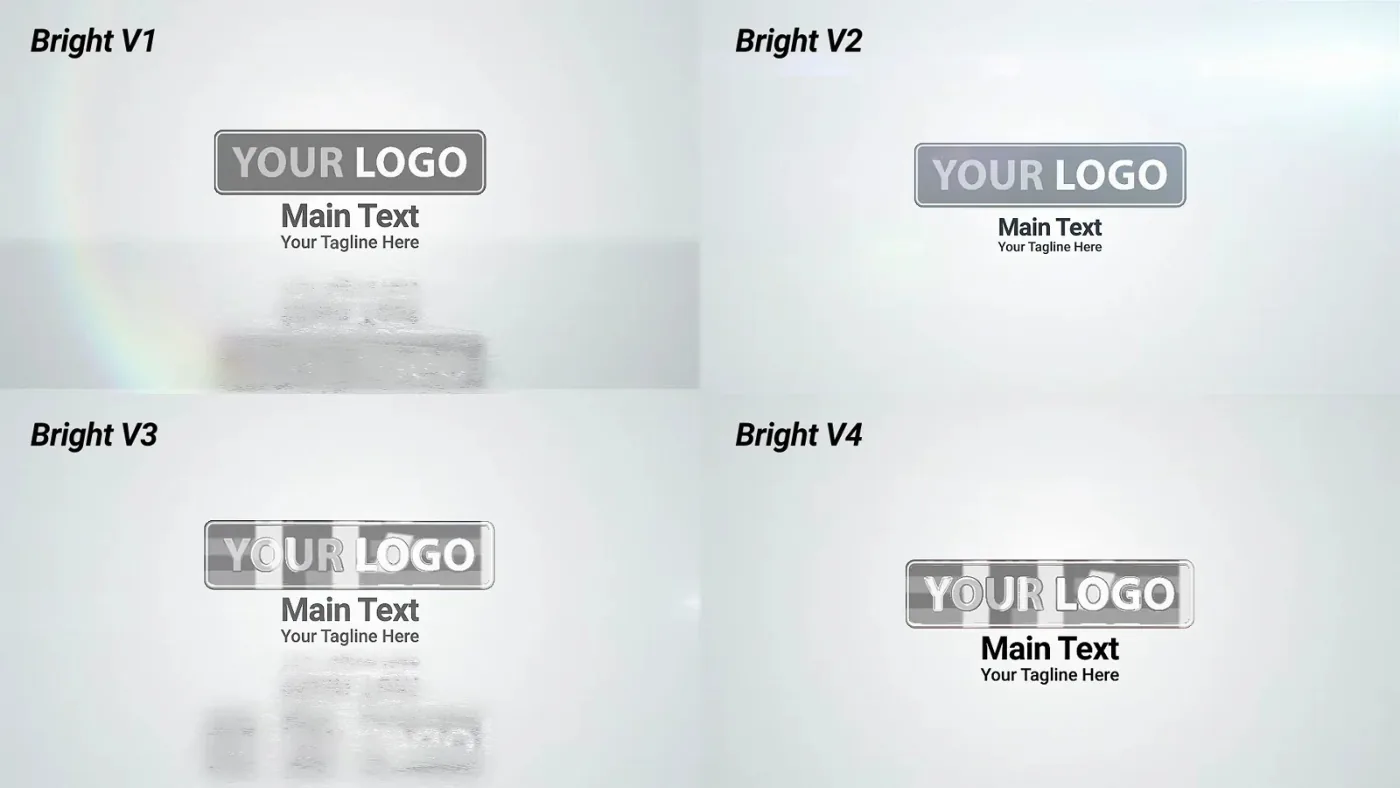
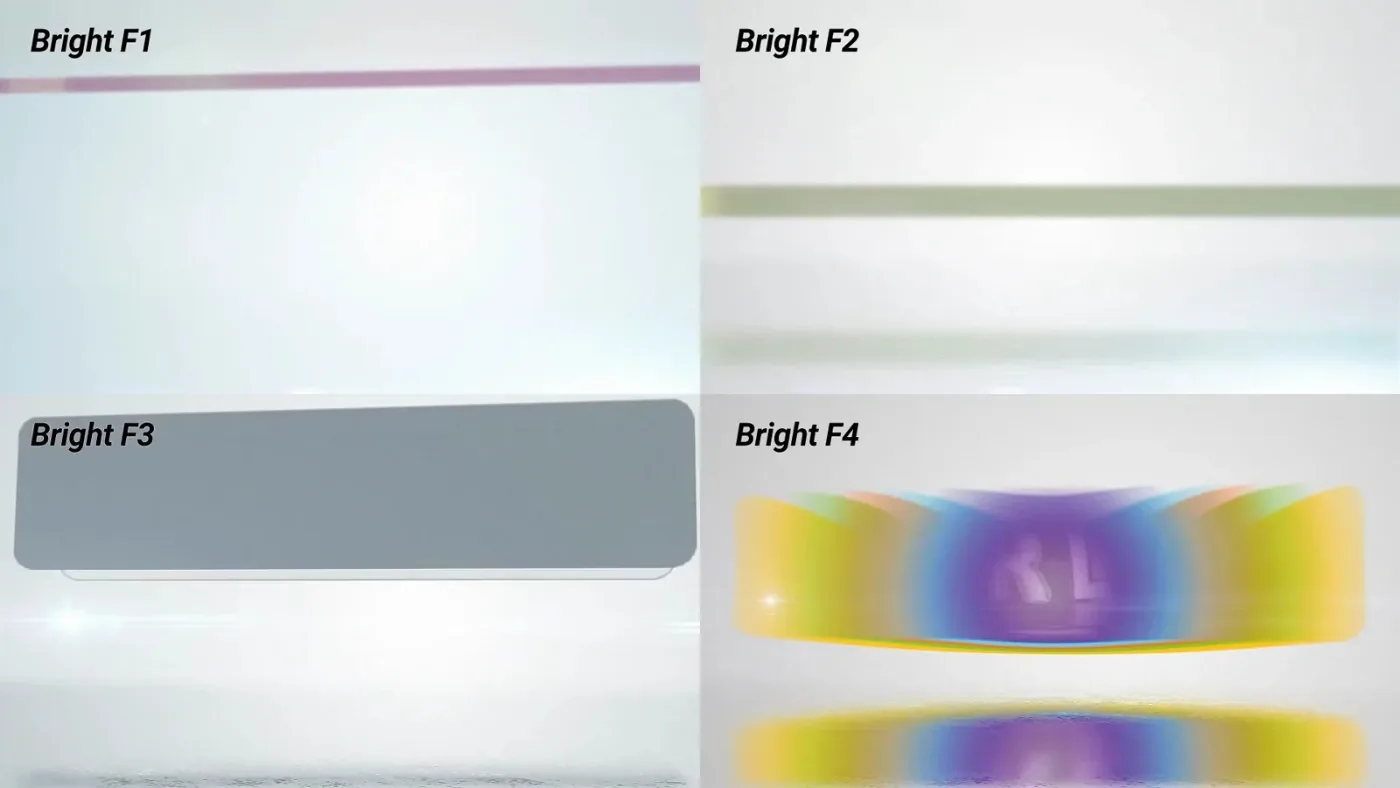
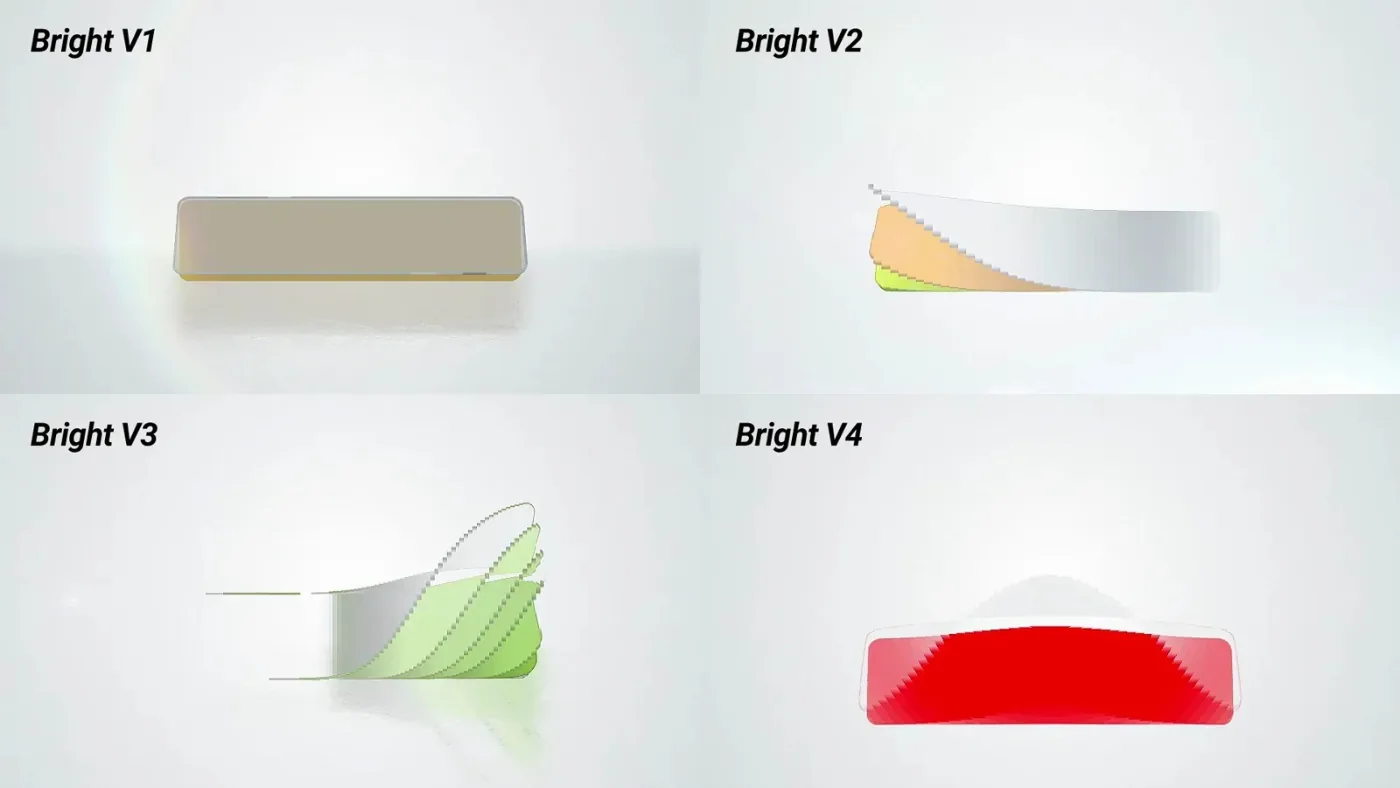
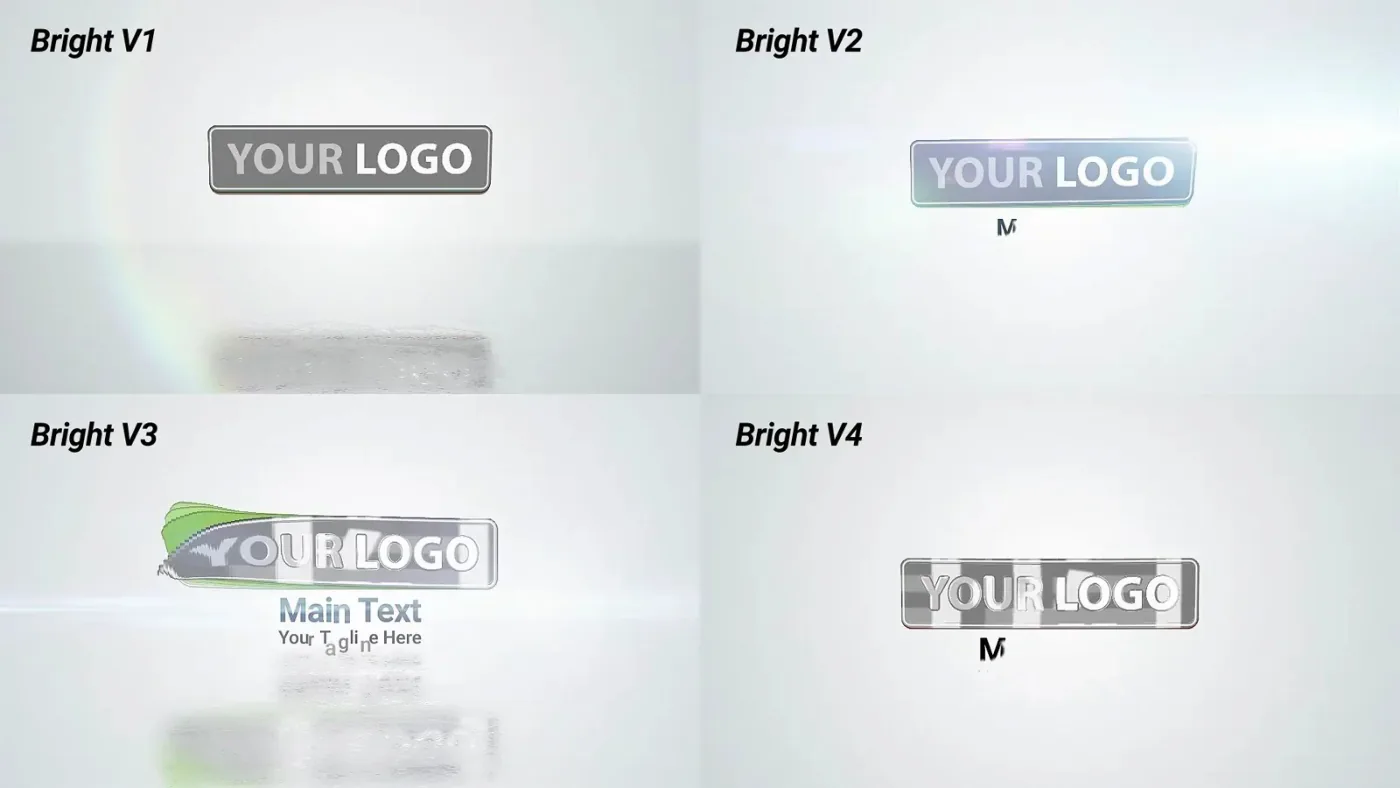
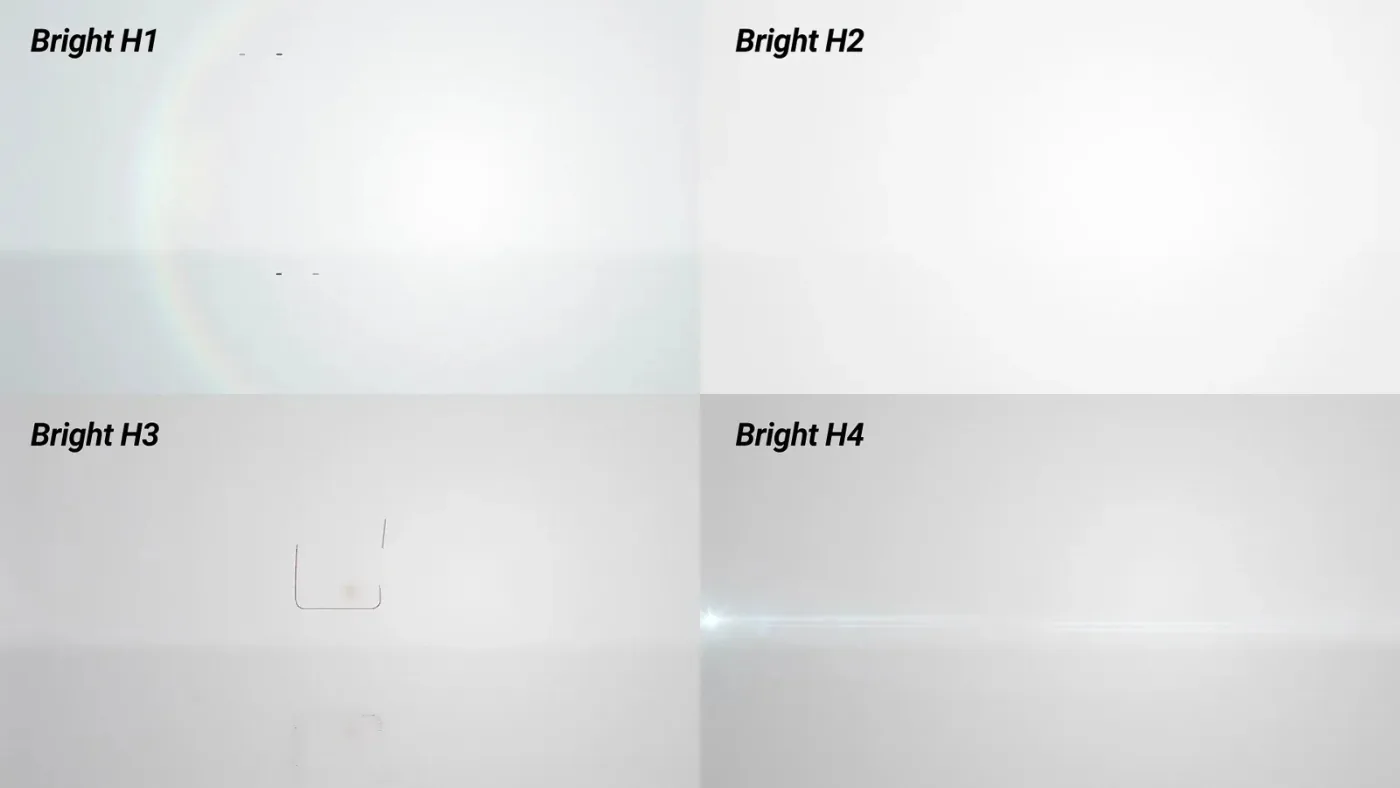
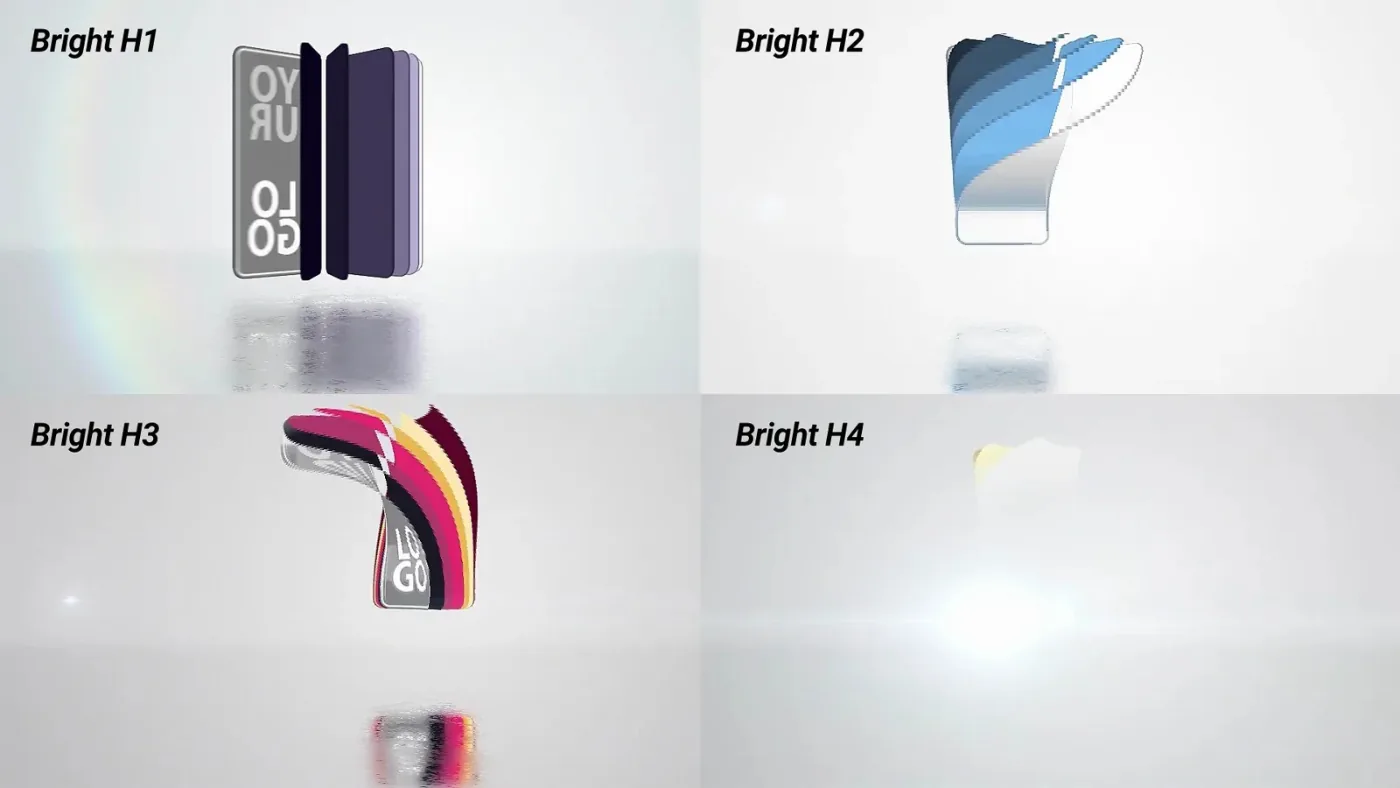
The animation reveals a logo as a stack of flat, coloured layers that slide open from the centre, then settle into a single plate under a soft light flare. The plate carries the mark itself, a main line of text and a tagline, each on its own layer.
The project is deliberately clean rather than cinematic: a light background, a soft horizon and a controlled reflection are enough to keep attention on the mark. The dark variants move the same structure to a black background with a glowing edge.
24 compositions in two themes
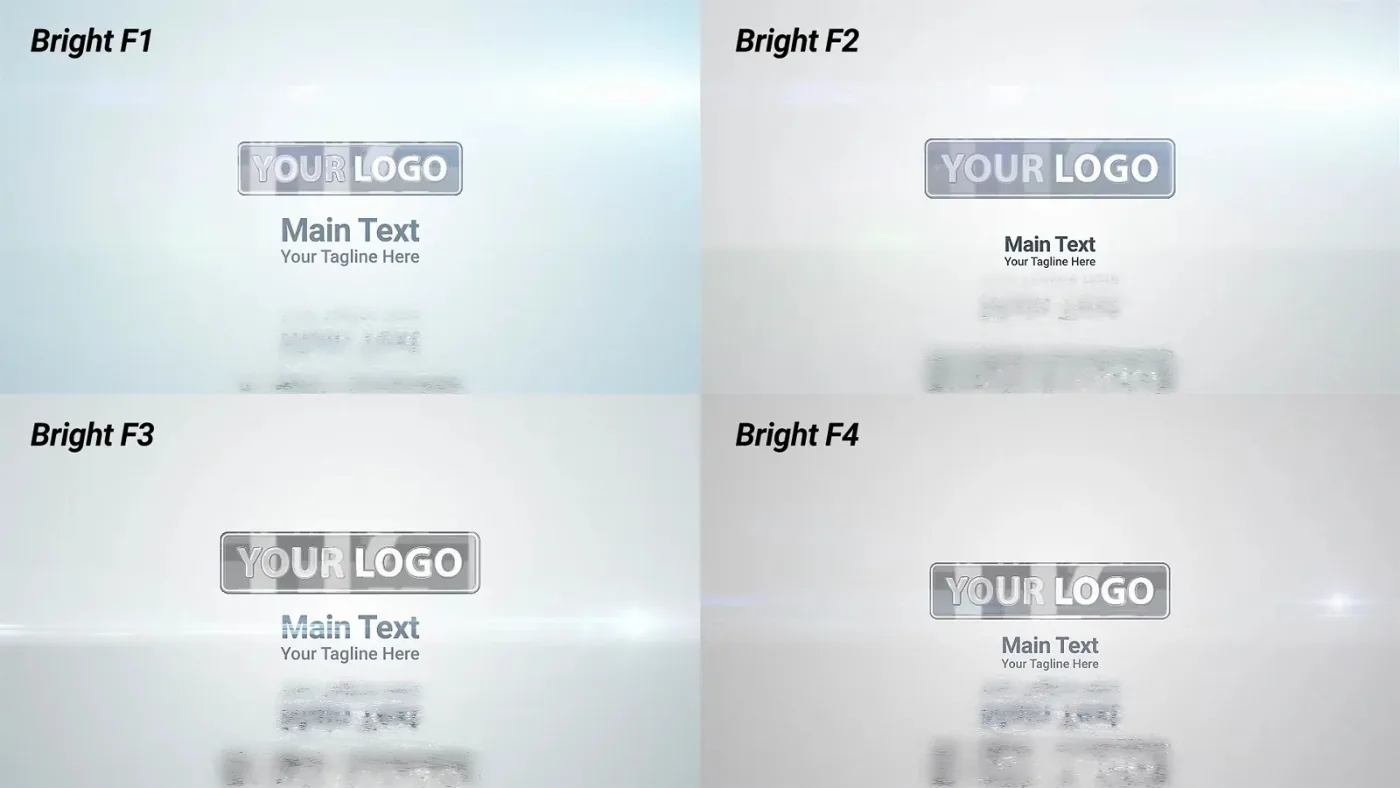
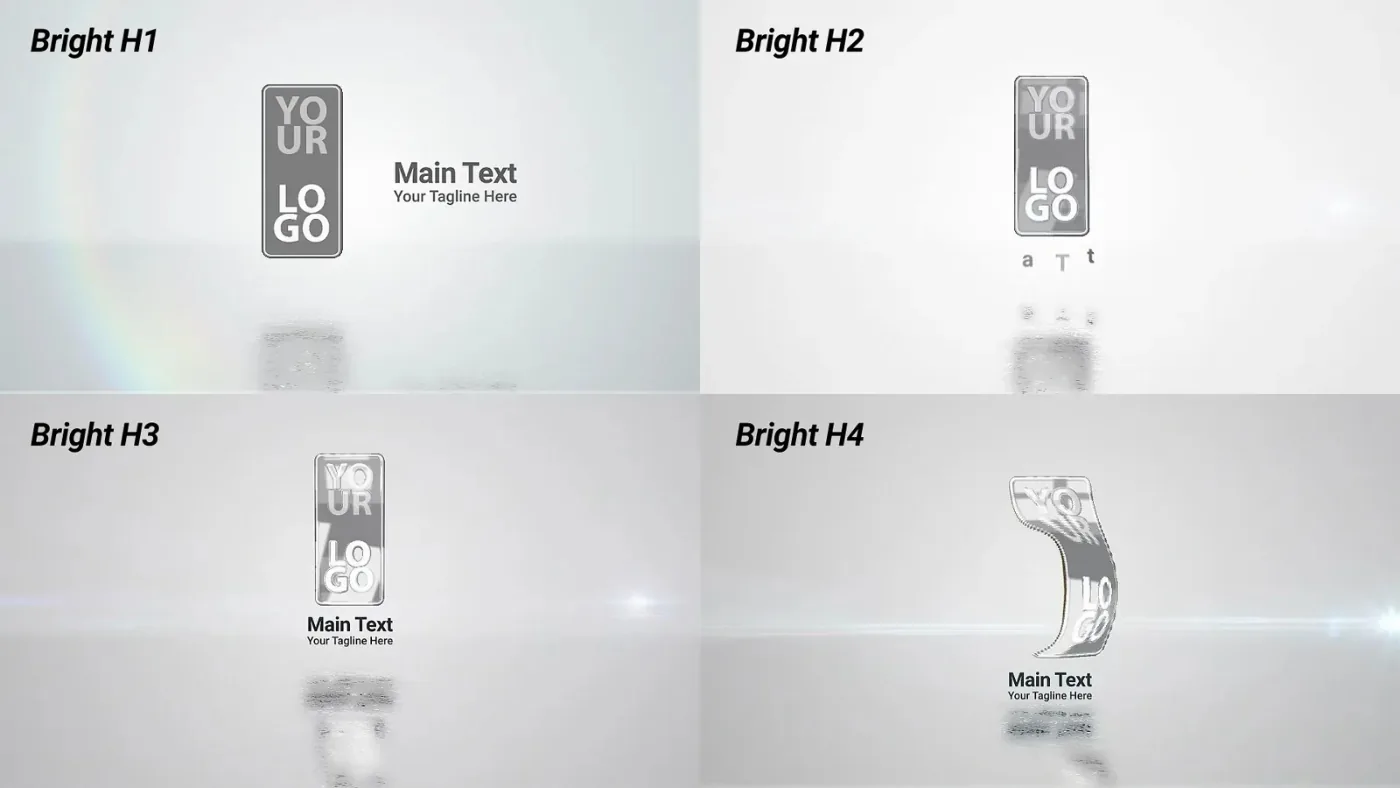
Six groups of four: bright and dark, each in frontal (F), horizontal (H) and vertical (V) layout, numbered 1 to 4 within the group. F places the mark in the centre, H expects it to the right of the vertical guide, V above the horizontal guide — the guides are drawn inside the logo holder composition.
Everything that changes the look sits on one settings layer in the render composition: logo colour, background colour, floor reflection, lens flare hue and visibility, the multilayer wave, flat logo layers and a transparent background for an overlay render. The text sits in its own composition with the animation timing exposed.
The archive also contains the rendered bright and dark previews, a one-page help PDF with the settings map and render notes, and links to the fonts and music used in the demo.
Replace the mark, set the colours, render
Drop the logo into the logo holder composition, type over the two text placeholders, then open the settings layer in the render composition and pick the colours. Duplicate a composition to build further variants — the help file describes the structure as 24 predefined variants and notes that more are possible.
The project is 4K at 29.97 fps and needs no third-party plugins. Rendering 4K is slow on a laptop: the help file advises switching the render settings to half resolution for a Full HD result, and keeping flat layers plus a moderate wave setting while the heavy options are on.
Fonts and music are not included — the help file links to free font sources and to the tracks used in the preview.
CONTINUE THE COMPOSITION04 / RELATED