FORM. TEXTURE. CHARACTER.01 / MATERIAL
EDITABLE VIDEO TEMPLATES / AEP · MOV COLLECTION
Flip Pages Reel Slideshow — 21- and 34-second page-turn reels in After Effects
Editable Video Templates
AEP / MOV / MP4 / PDF · After Effects
EXPLORE EVERY DETAIL02 / PREVIEWS
Video preview
Silent · play on demand09 COLLECTION PREVIEWSAEP / MOV / MP4 / PDF
COLLECTION DOCUMENT8 PAGES




BEYOND THE SURFACE03 / ABOUT
CONTENTS / POSSIBILITIES / DETAILS
INSIDE THE MATERIAL.
Pages that turn
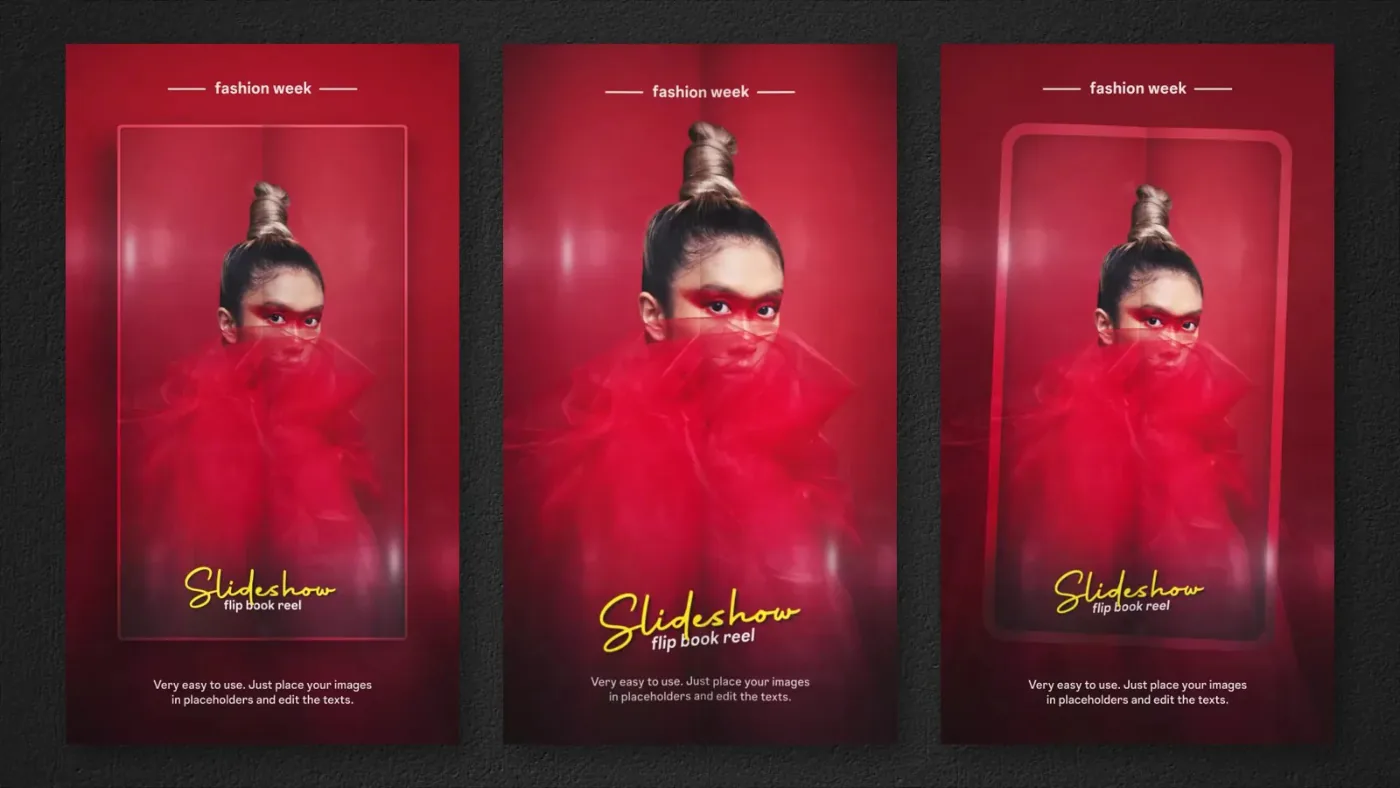
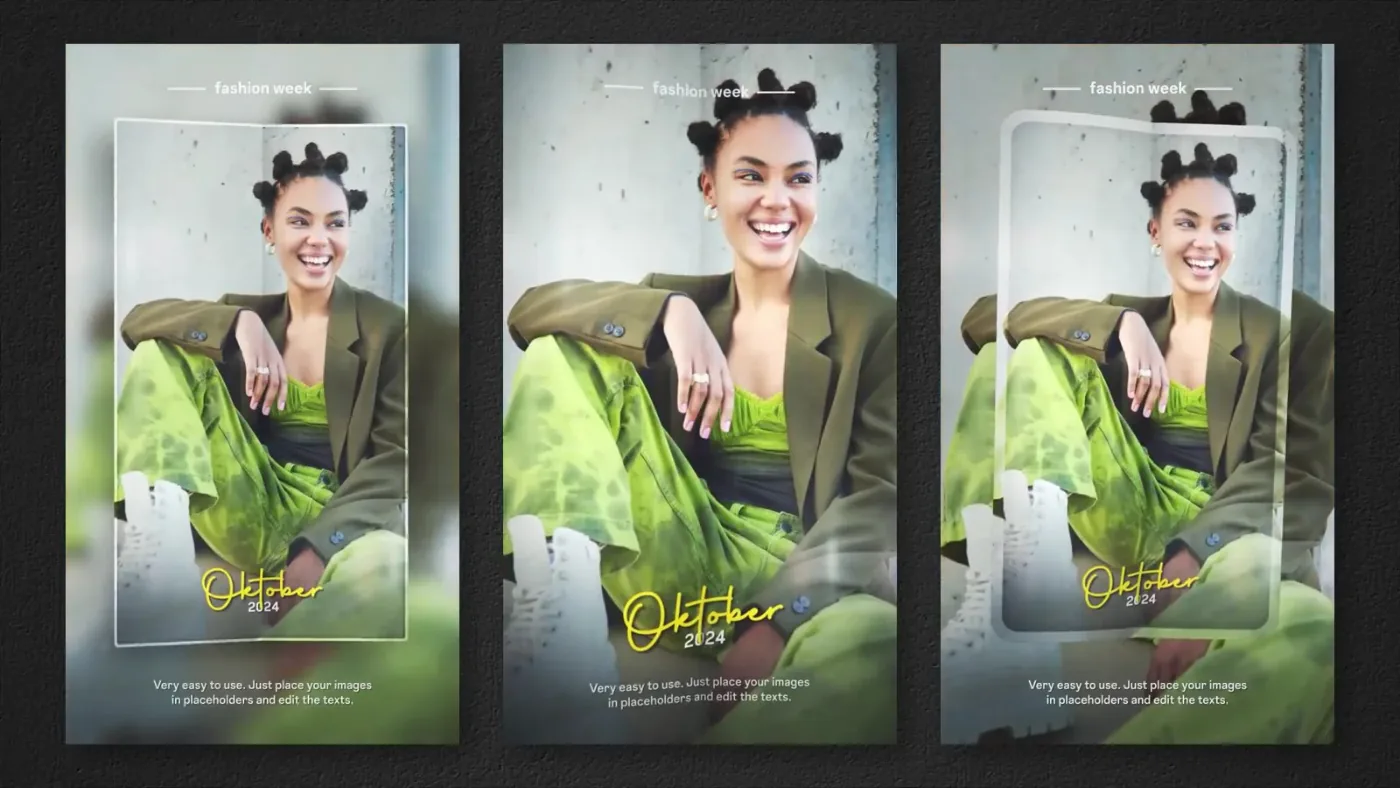
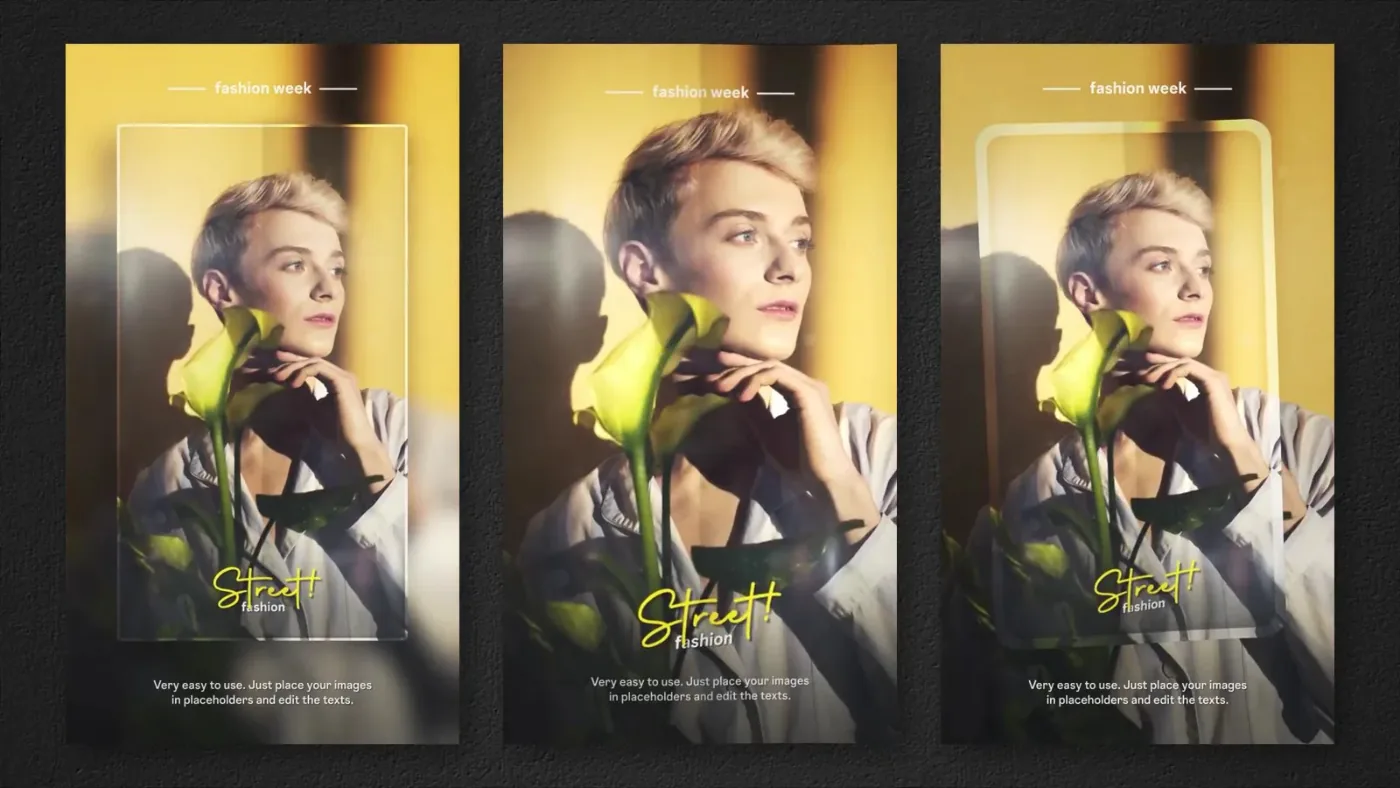
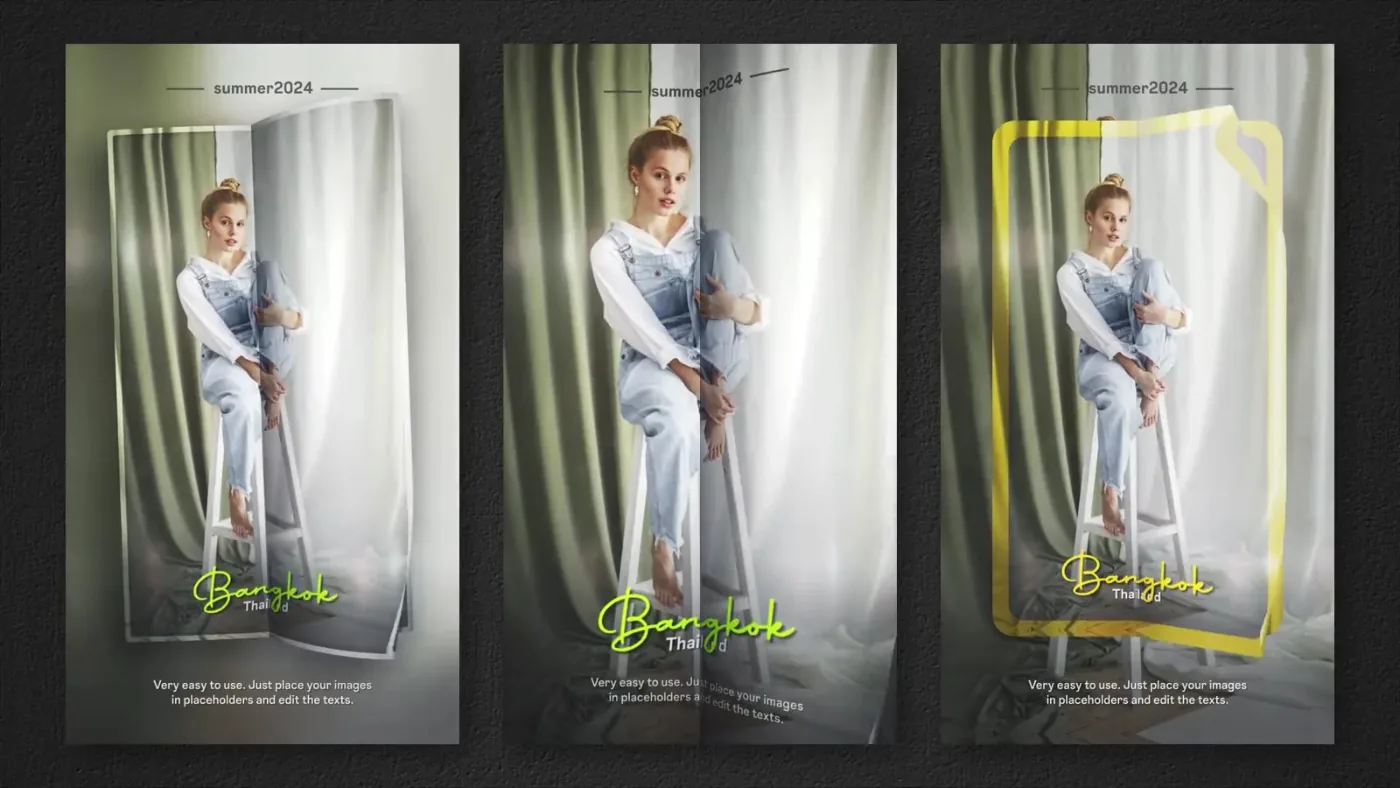
The preview follows a stack of photo pages: each one lifts at the corner and turns over, revealing the next image underneath. A thin flare runs along the fold during the turn, which hides the cut and keeps the rhythm even.
Two lengths are supplied for the same animation — 21 and 34 seconds — so the same look can be cut for a fast reel or a slower story sequence.
Two project files and a tutorial
The archive contains FlipPagesReelSlideshow_21s.aep and FlipPagesReelSlideshow_34s.aep in a FlipPagesReelSlideshow folder with its (Footage), plus a Tutorial folder with Help.pdf and a tutorial video.
Pick a length, swap the photos
Open the version with the needed duration, replace the photos in the page stack and render vertically. The page-turn timing is built into each project, so the two versions stay independent.
The preview reel in this listing is the rendered result.
CONTINUE THE COMPOSITION04 / RELATED