FORM. TEXTURE. CHARACTER.01 / MATERIAL
EDITABLE VIDEO TEMPLATES / AEP · JPG COLLECTION
Animated Galleries — carousel and slider layouts in After Effects
Editable Video Templates
AEP / JPG / PDF · After Effects
EXPLORE EVERY DETAIL02 / PREVIEWS
Video preview
Silent · play on demand09 COLLECTION PREVIEWSAEP / JPG / PDF
COLLECTION DOCUMENT8 PAGES




BEYOND THE SURFACE03 / ABOUT
CONTENTS / POSSIBILITIES / DETAILS
INSIDE THE MATERIAL.
A gallery that moves
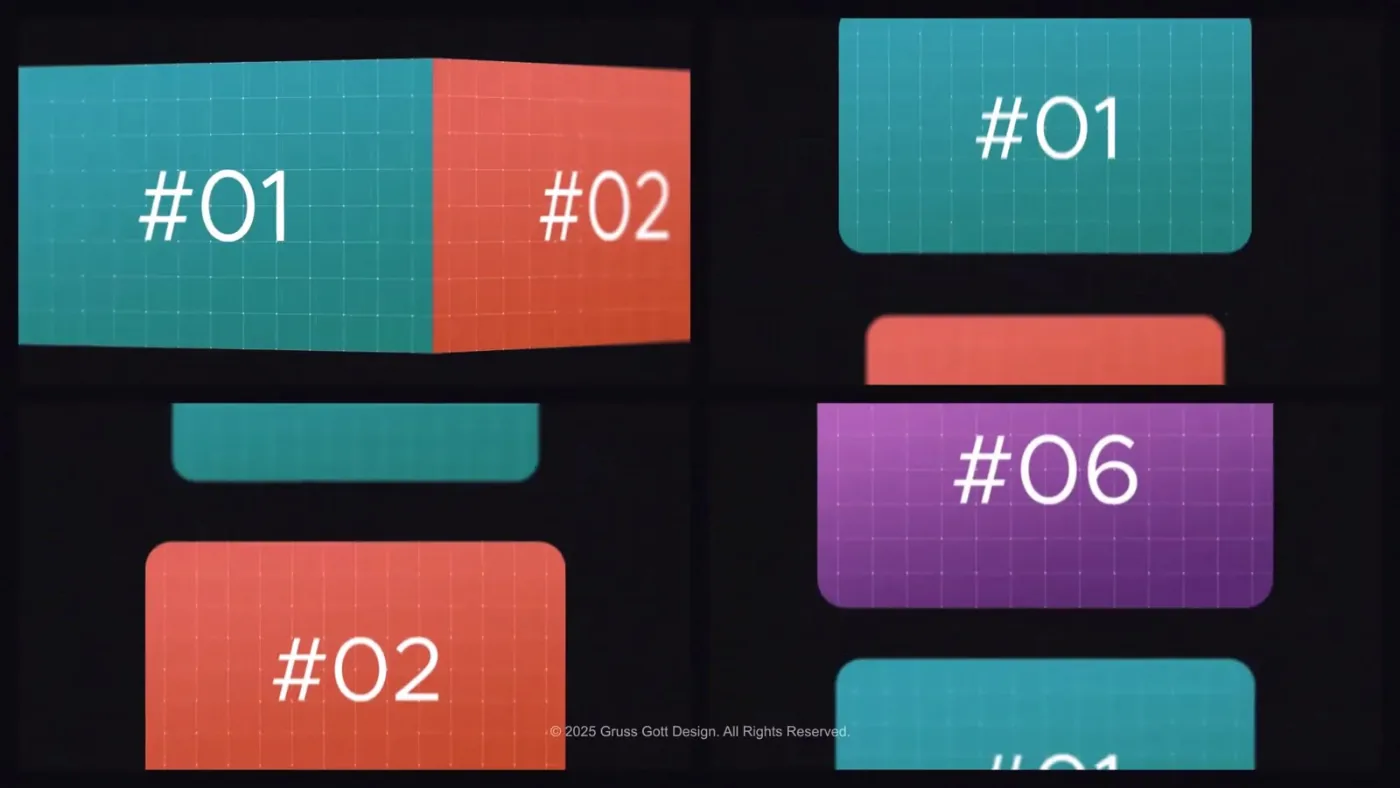
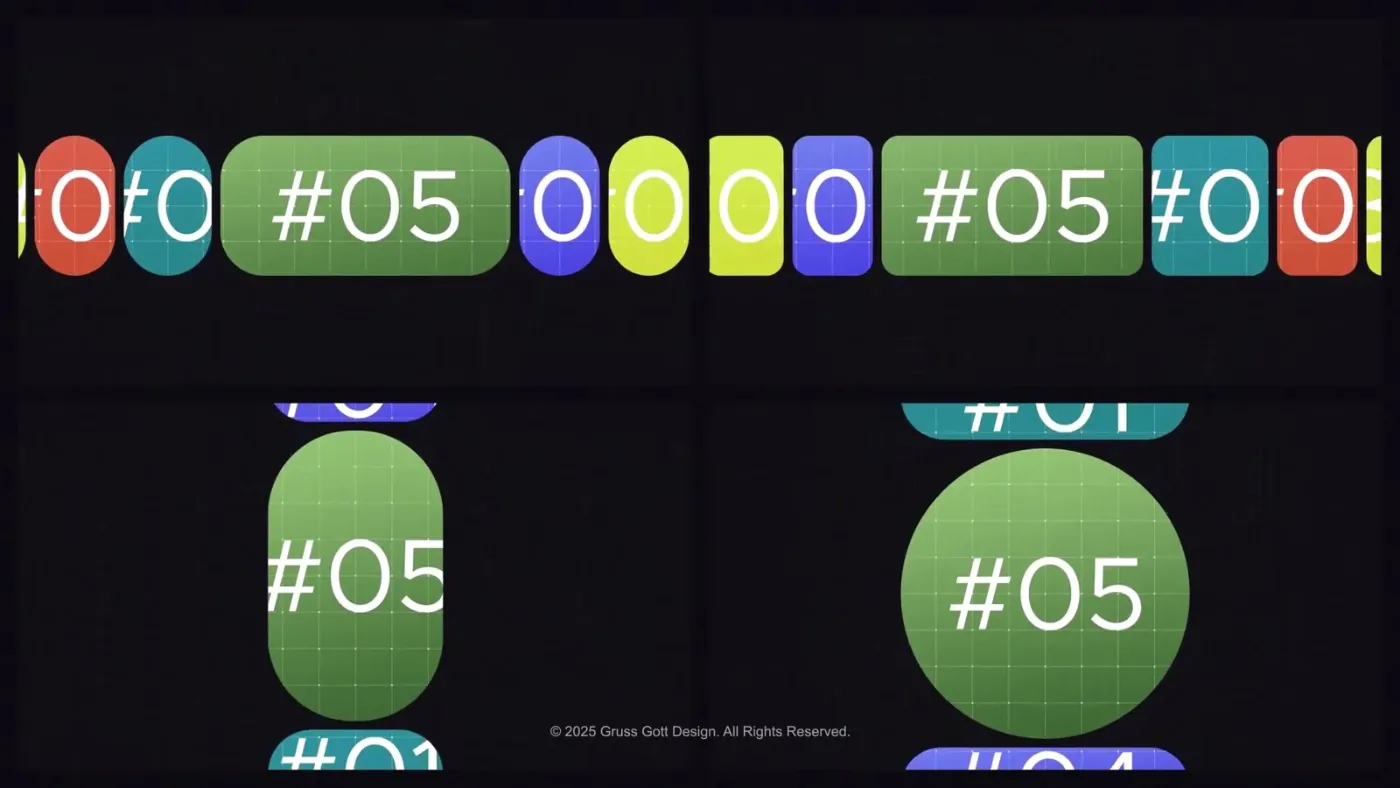
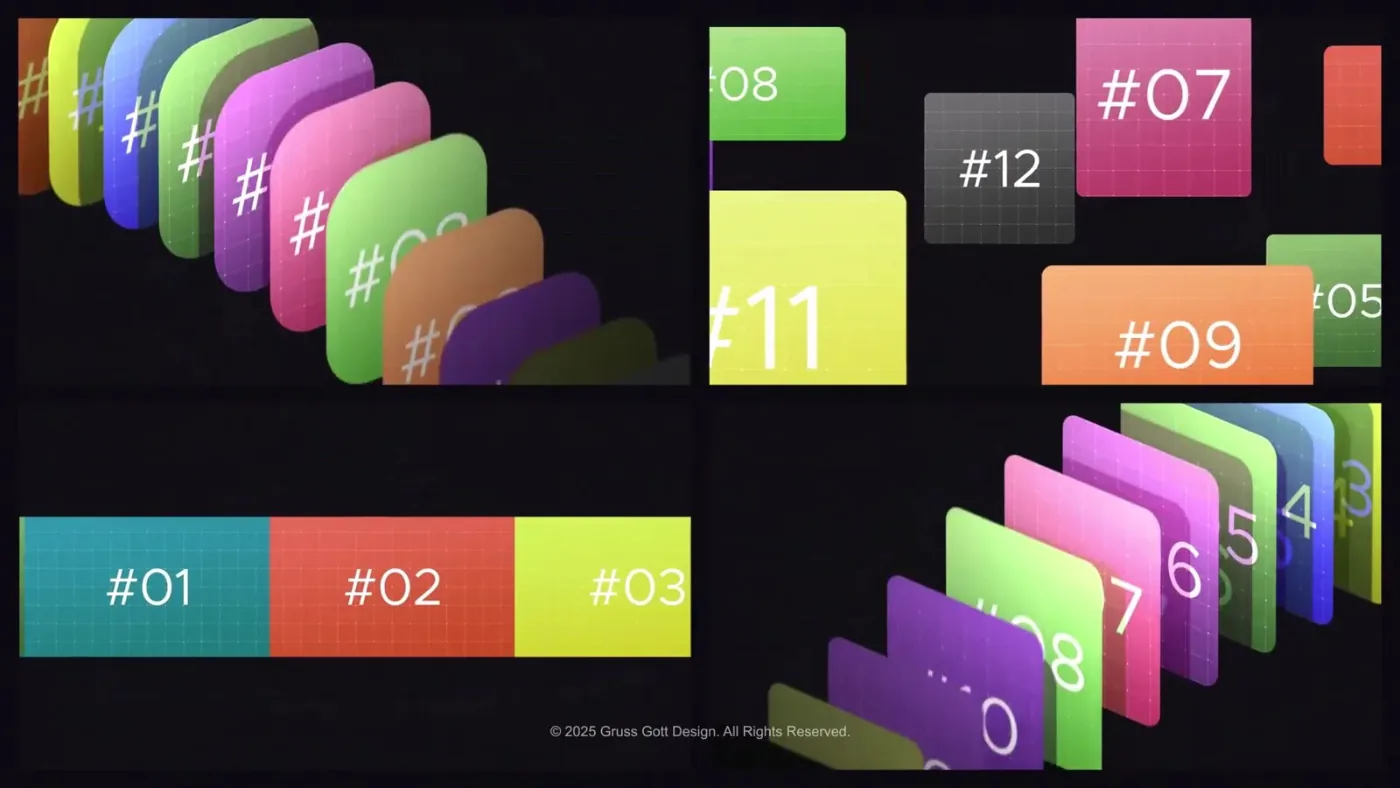
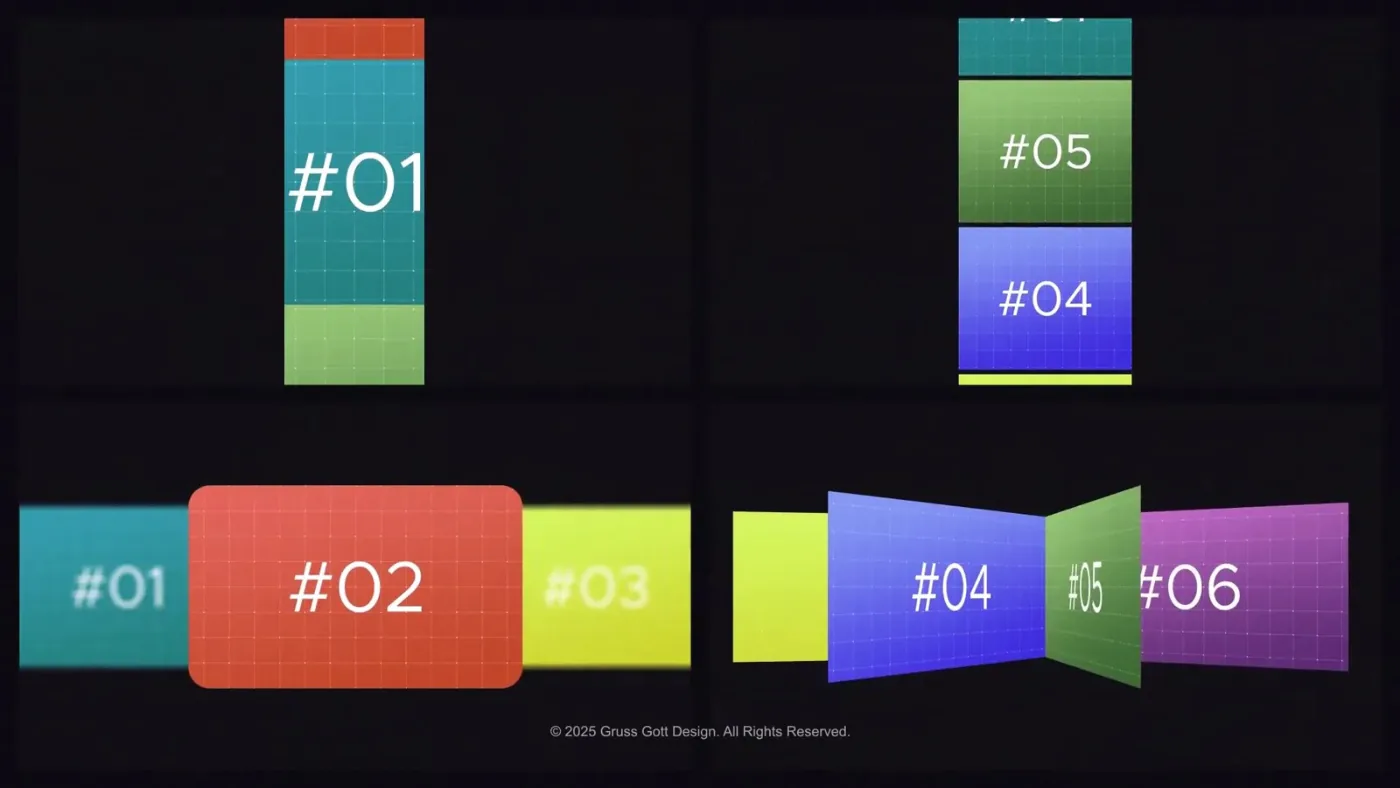
The preview shows photo sets travelling through the frame: a carousel row slides past, thumbnails shift into place and single images are held long enough to be read. The motion is built for presenting a portfolio or a product set rather than a single image.
Everything is driven from one project file, so the same animation can carry any photo set that follows the layout of the demo media.
Project, footage, two guides
The archive holds a single Animated Galleries.aep, a (Footage) folder with the demo media under Assets/Media, and two documents: Help.pdf and User Guide.pdf.
The demo images are part of the package; the guide explains how to substitute them with your own files.
Replace the media, keep the timing
Open the project, point the media placeholders to your own images of the same proportions, and render. The carousel and slider timings stay as designed, so new content inherits the animation without retiming.
The preview reel in this listing is rendered from this project.
CONTINUE THE COMPOSITION04 / RELATED