FORM. TEXTURE. CHARACTER.01 / MATERIAL
PRINT TEMPLATES / AI · EPS COLLECTION
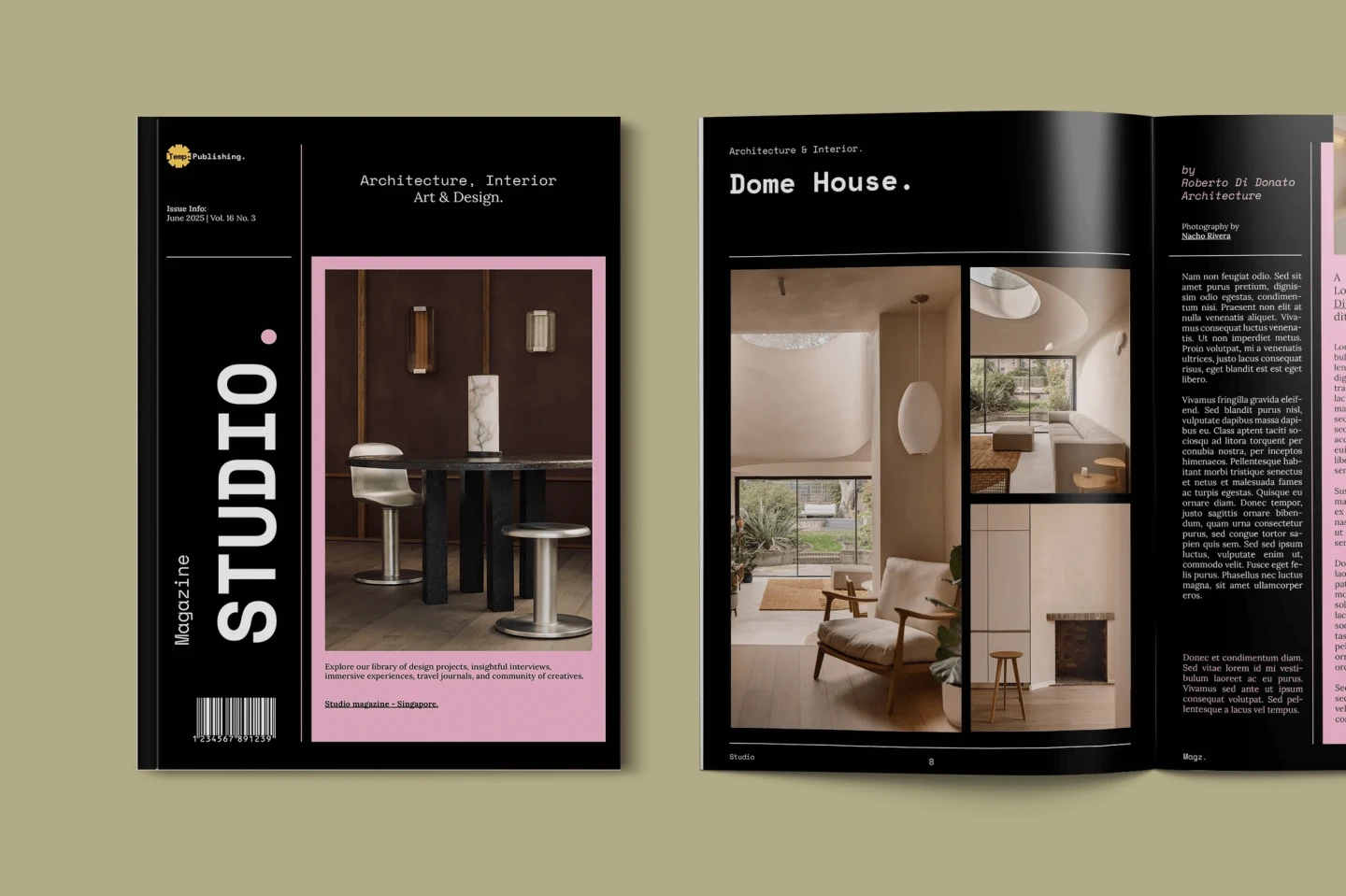
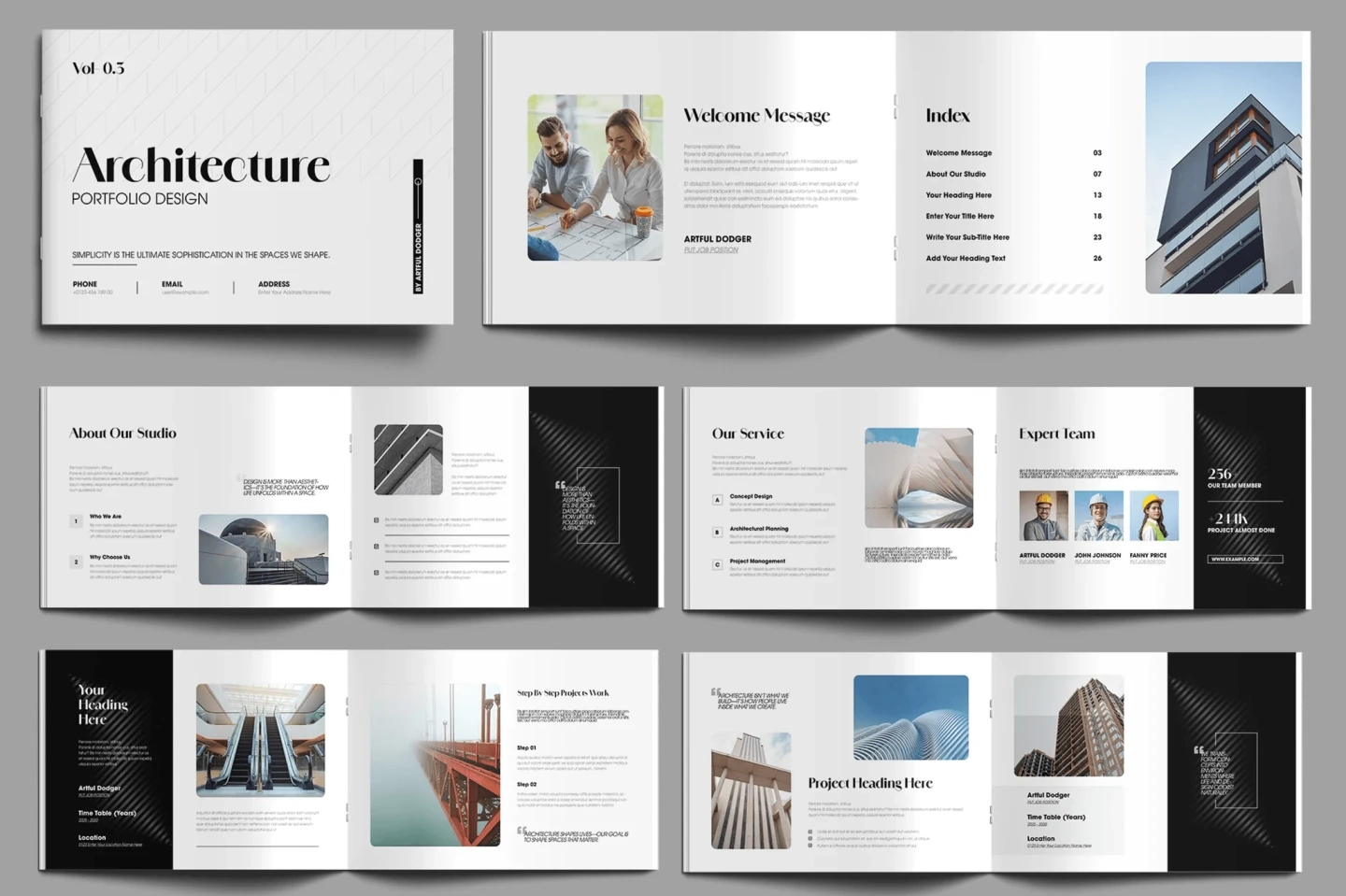
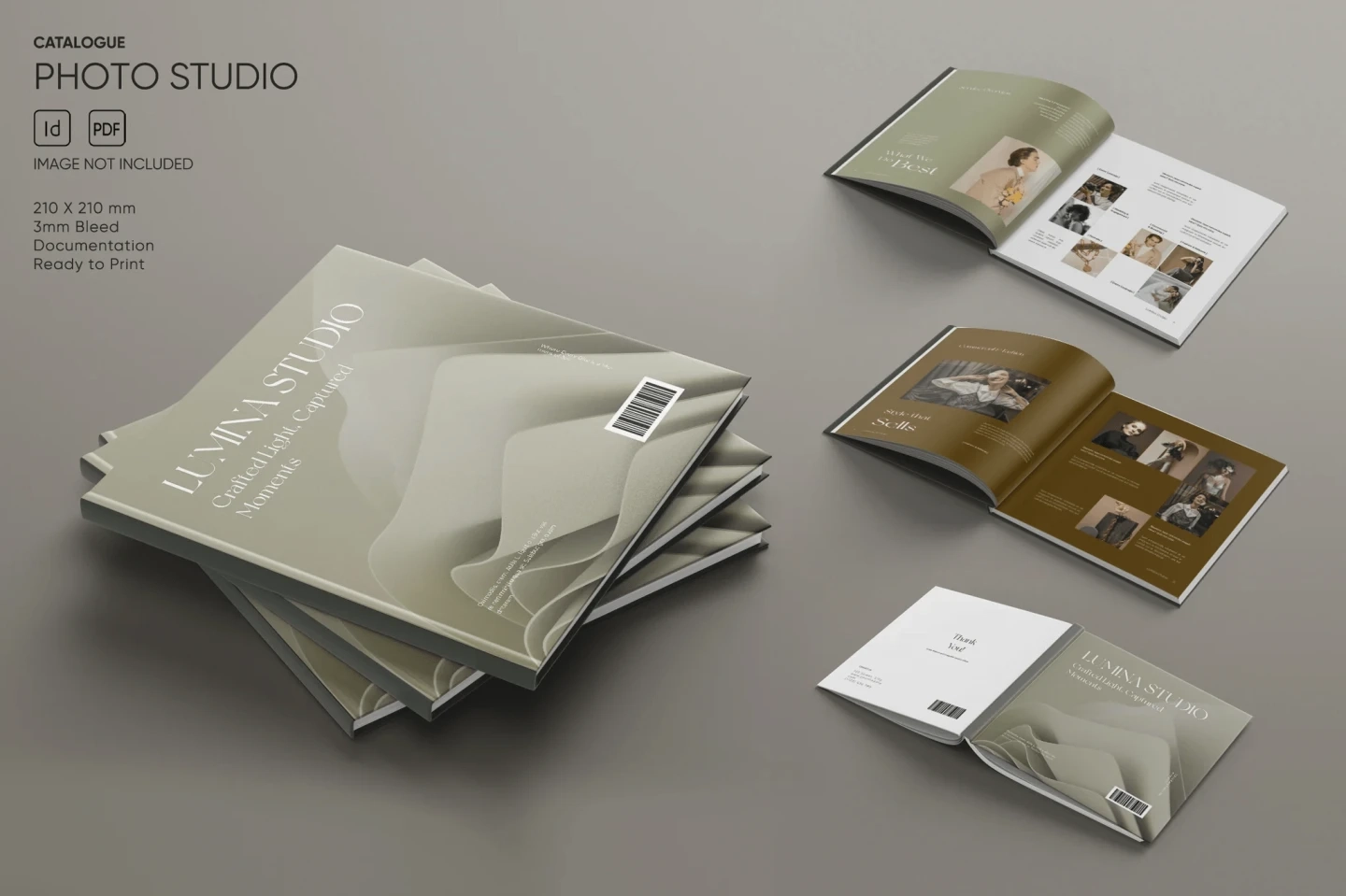
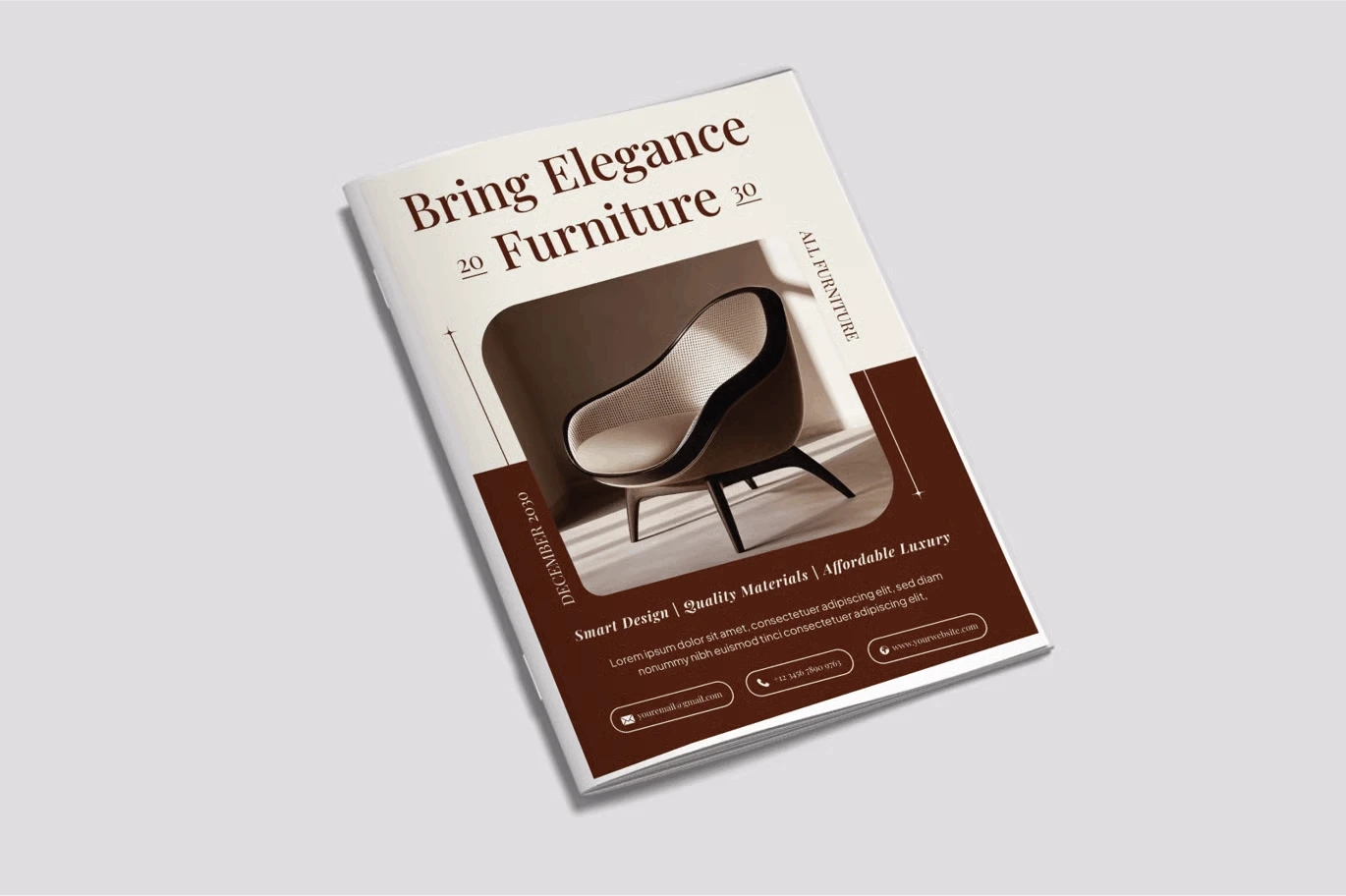
Brochure in Illustrator — Furniture and Interior Design Layout Template
Print Templates
AI / EPS · Adobe Illustrator
EXPLORE EVERY DETAIL02 / PREVIEWS
Collection cover
Select an image to explore the details ↗06 COLLECTION PREVIEWSAI / EPS
BEYOND THE SURFACE03 / ABOUT
CONTENTS / POSSIBILITIES / DETAILS
INSIDE THE MATERIAL.
✅ Benefits
- Quick Start — jump into layout without building from scratch
- Minimal & Modern — focus remains on product and content
- Professional Typography — balanced spacing and clean fonts
- Print-ready — suitable for home or professional printing
- Versatile Output — export as PDF, images, or presentation material
🧩 What’s Included
- 2 AI files (with bleed)
- EPS version for compatibility
- Vector layout elements and grid
- Help file + links to free fonts used
📐 Specifications
- Format: A4 (11.69 × 8.27 in)
- Files included: AI (Adobe Illustrator), EPS
- Resolution: 300 DPI, CMYK
- Bleed: Included
- Layers: Well-organized and labeled
- Editable: Text, colors, and images fully customizable
- Compatibility: Illustrator CS4 and higher
- Documentation: Included
🎯 Who Is This Template For?
- Furniture brands — to present new product lines;
- Interior designers — for branded visual proposals;
- Showrooms & stores — as print handouts or promo brochures;
- Real estate agencies — for visual presentation of furnished spaces;
- Graphic designers — to use as a professional base for client work.
CONTINUE THE COMPOSITION04 / RELATED