FORM. TEXTURE. CHARACTER.01 / MATERIAL
PRINT TEMPLATES / INDD COLLECTION
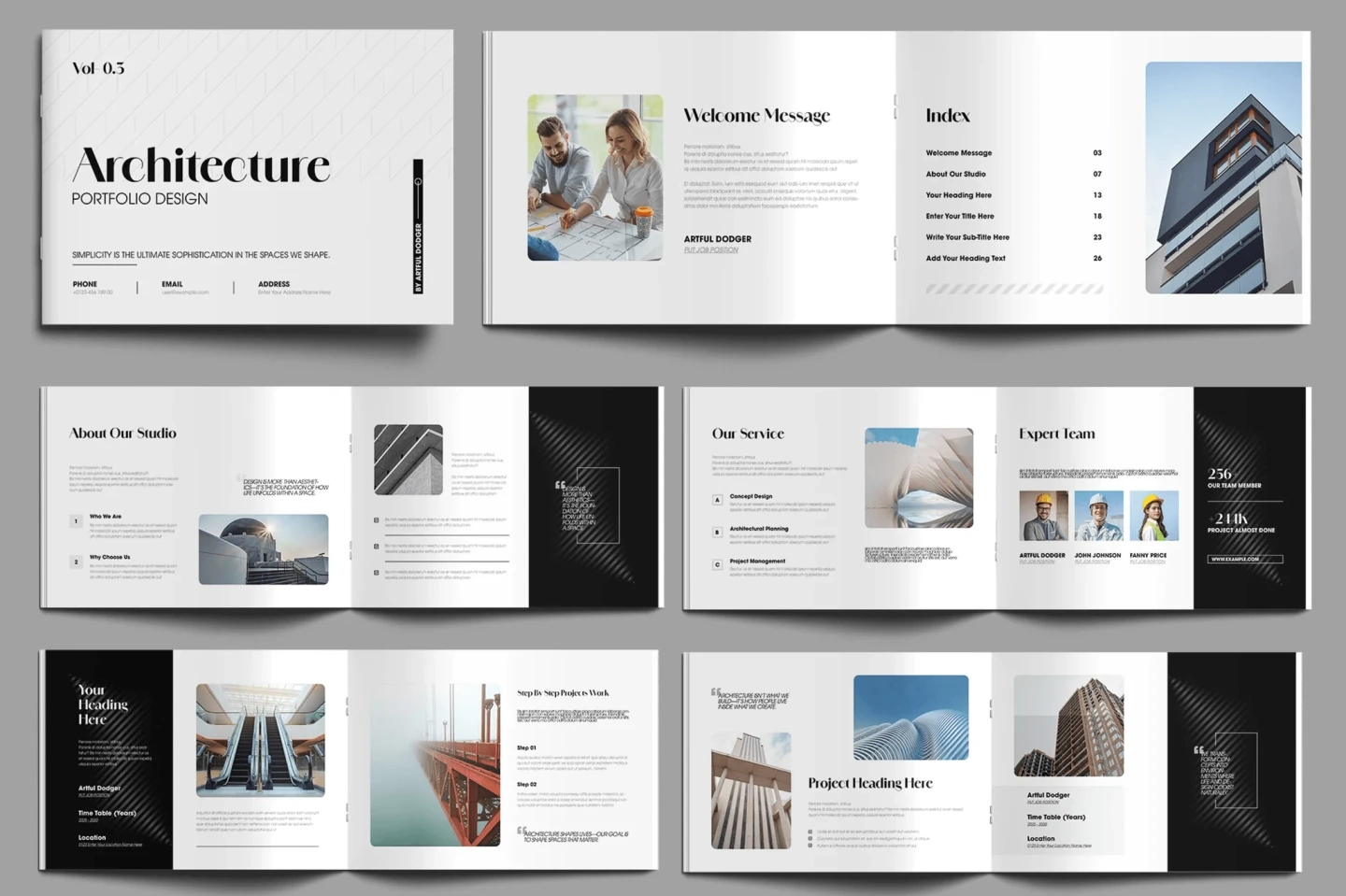
Architecture Portfolio Template — 20 Minimalist Pages for Adobe InDesign
Print Templates
INDD · Adobe InDesign
EXPLORE EVERY DETAIL02 / PREVIEWS
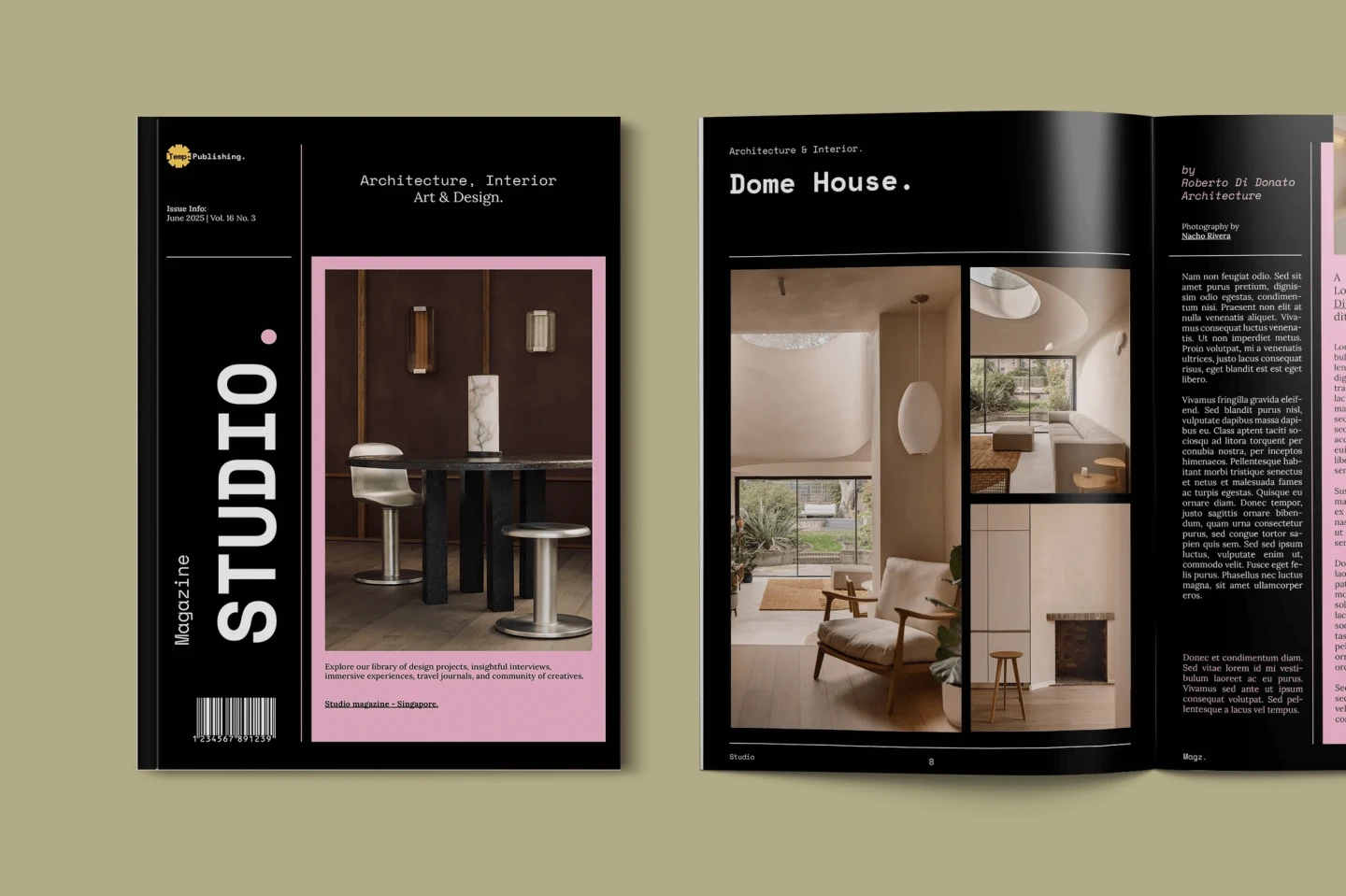
Collection cover
Select an image to explore the details ↗08 COLLECTION PREVIEWSINDD
BEYOND THE SURFACE03 / ABOUT
CONTENTS / POSSIBILITIES / DETAILS
INSIDE THE MATERIAL.
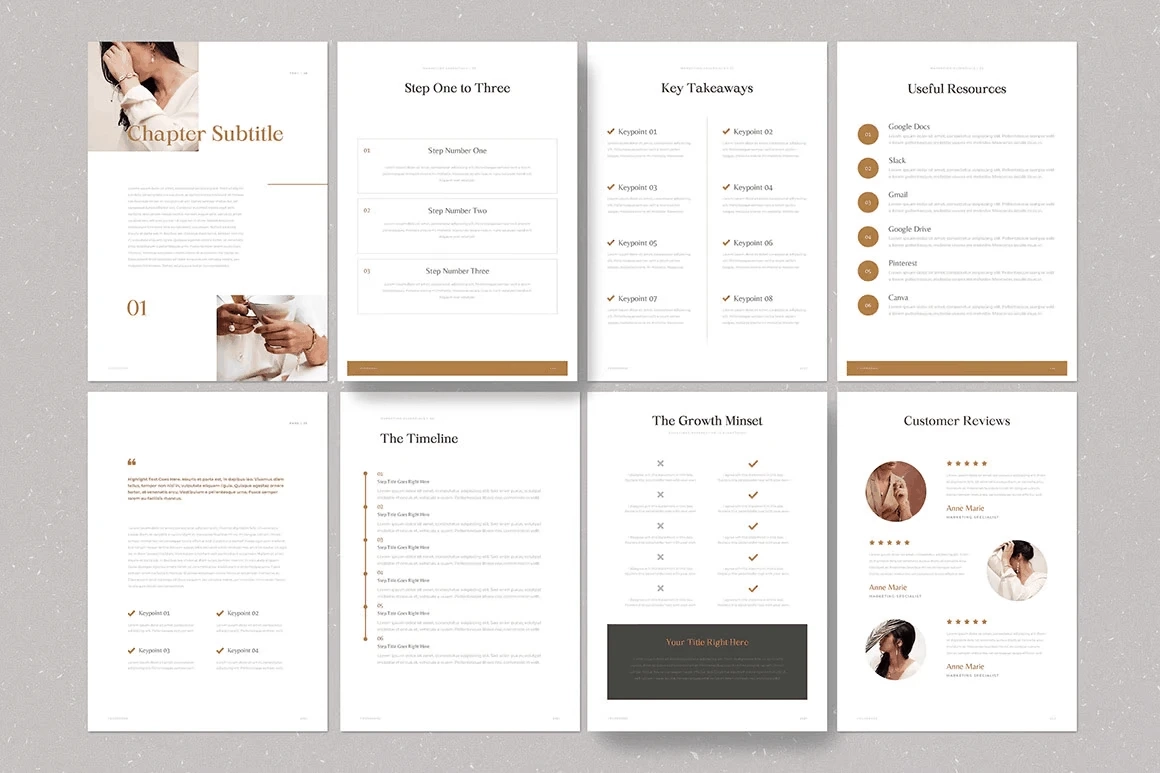
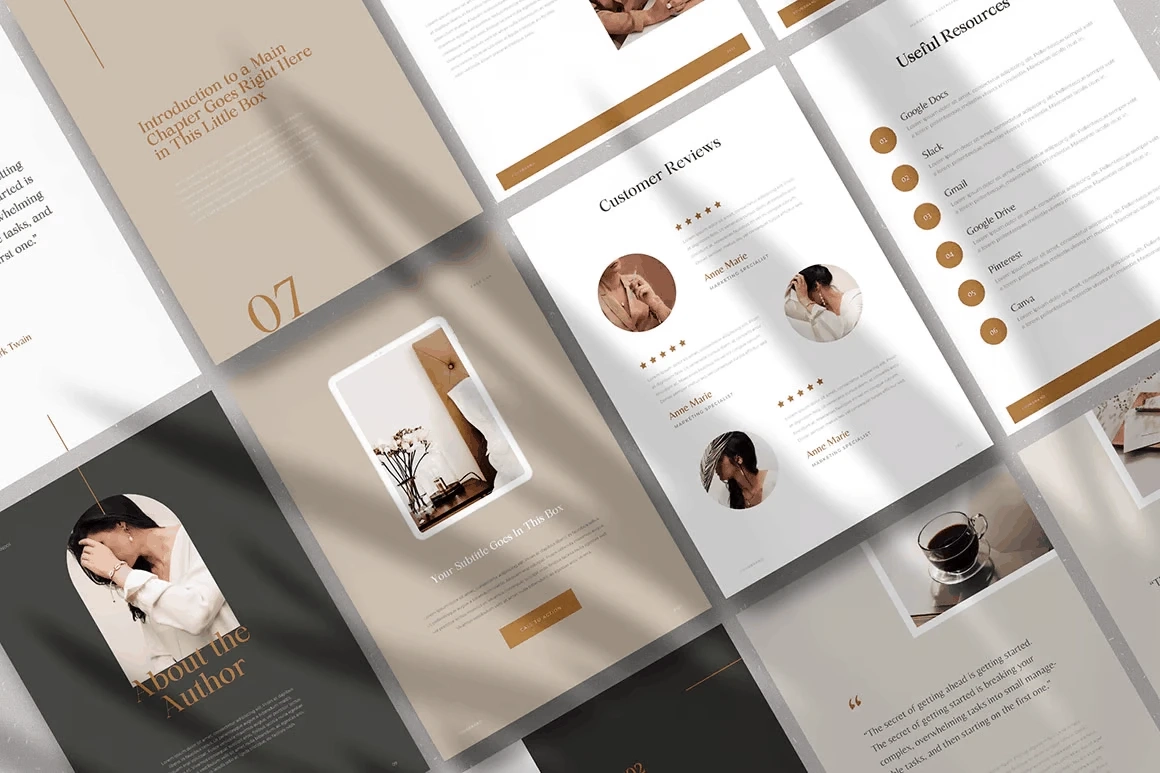
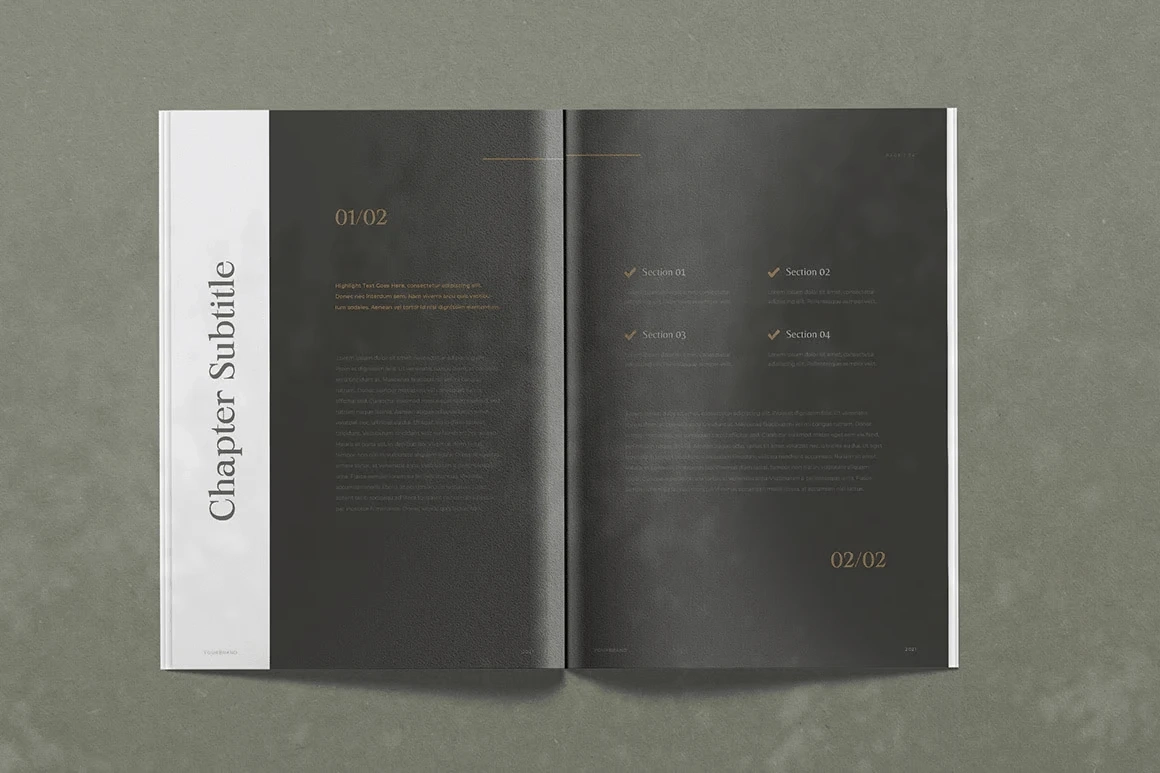
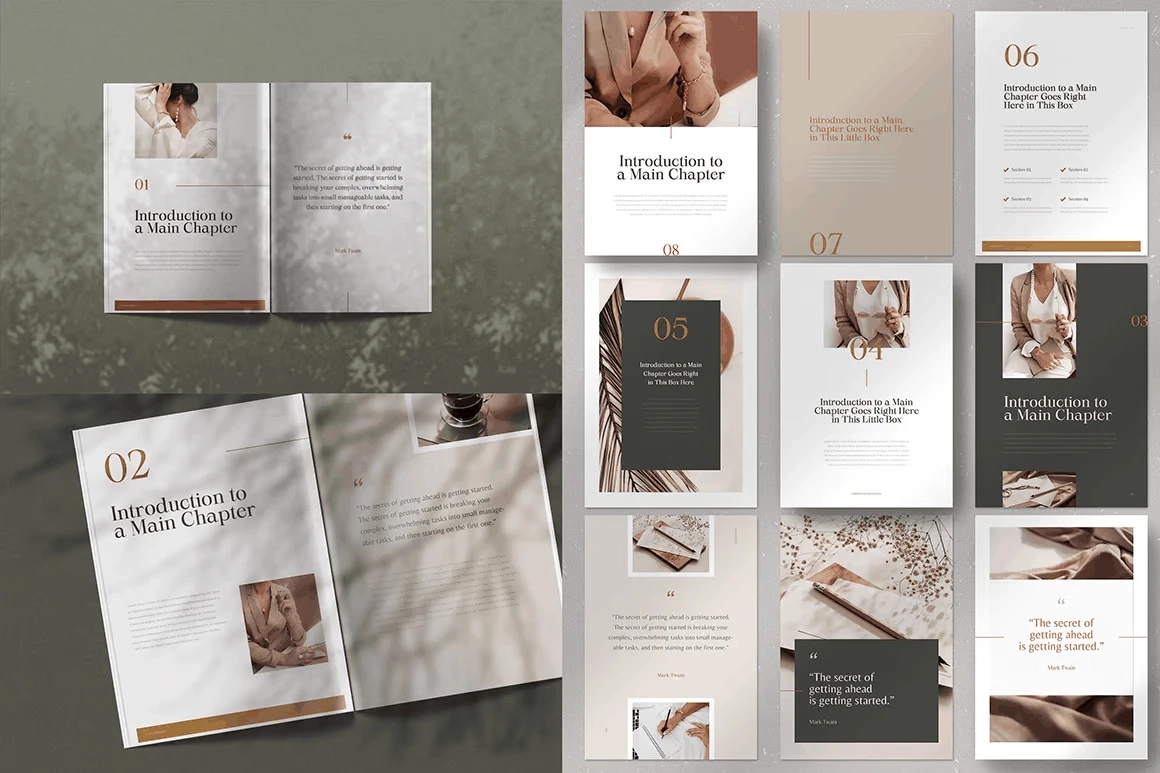
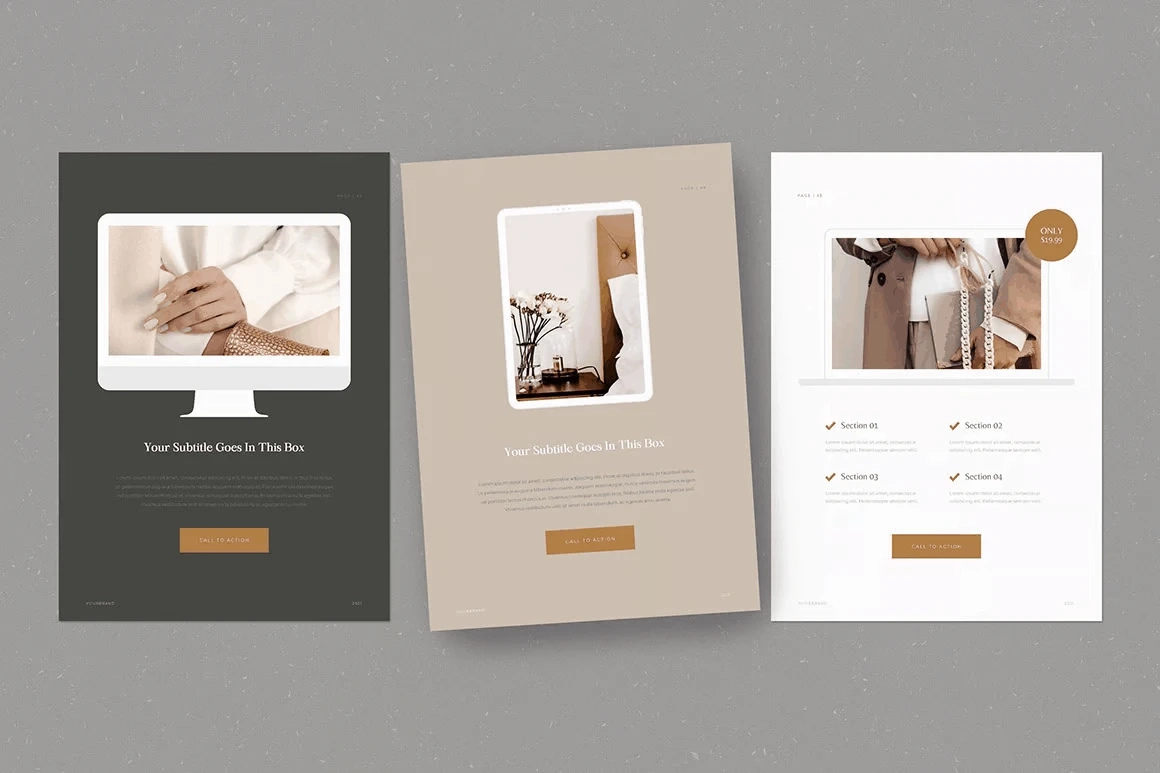
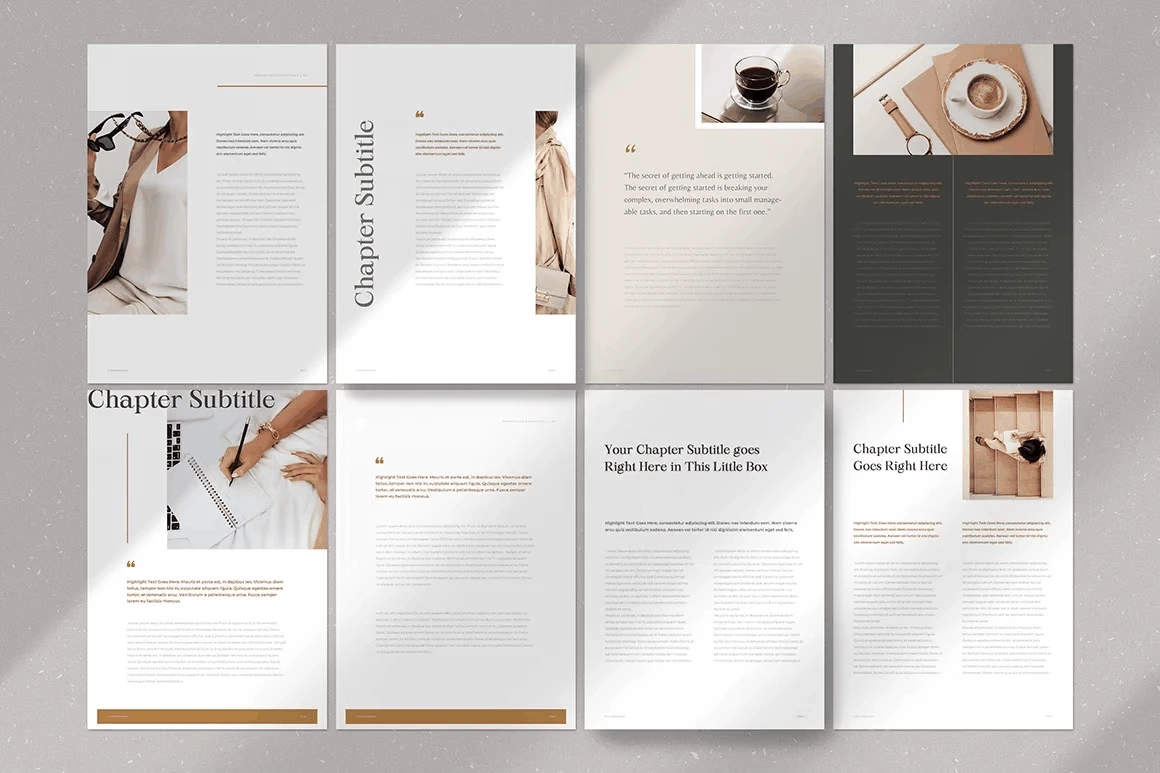
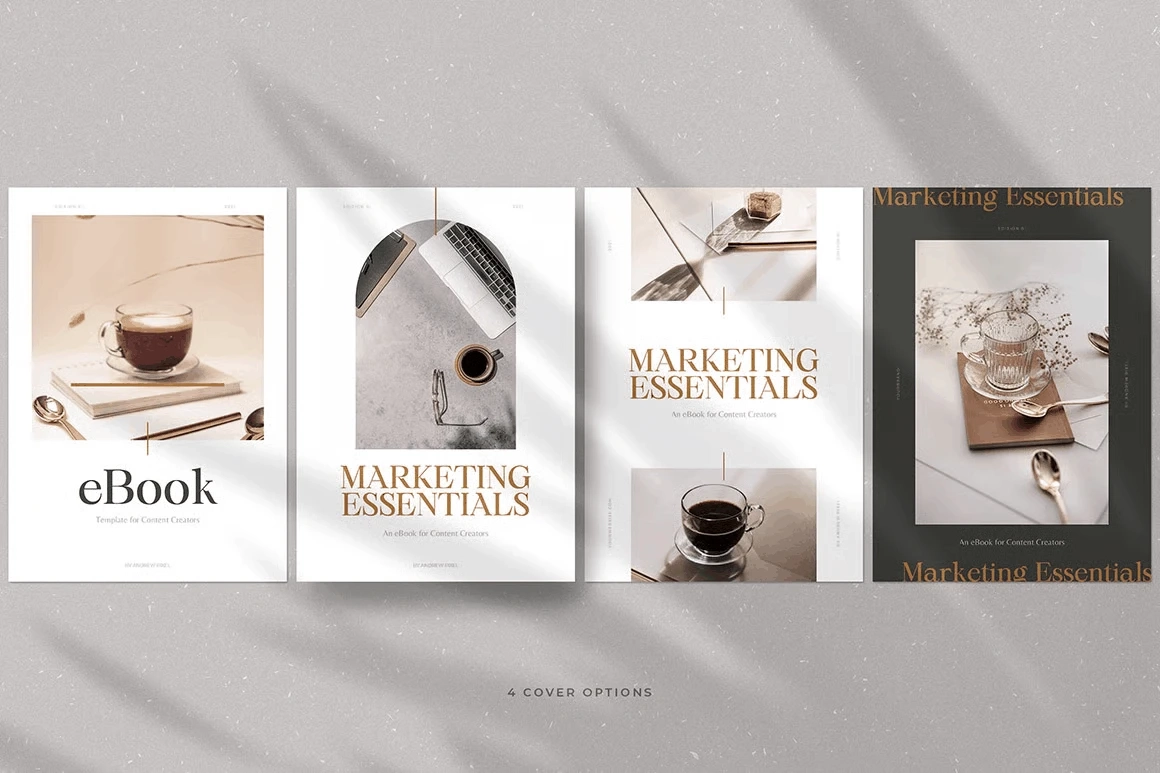
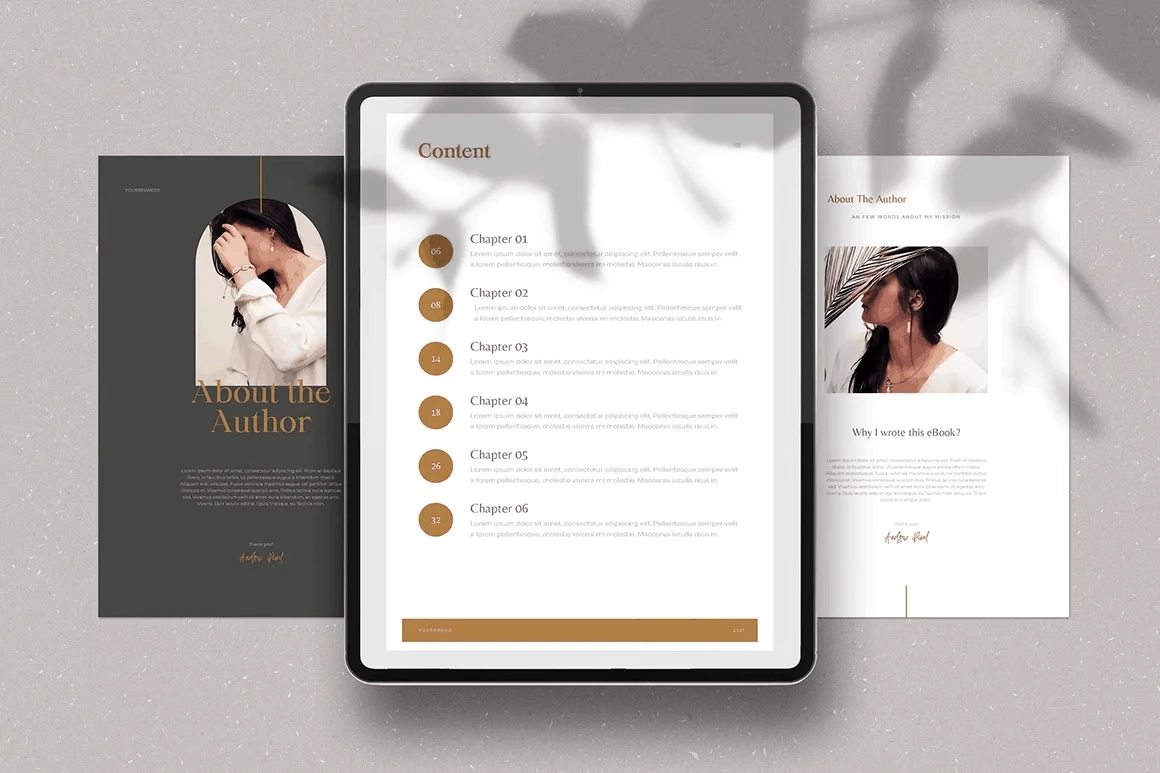
An architecture portfolio template is an essential tool for presenting your creative vision with clarity and professionalism. This clean and minimal 20-page InDesign layout is designed for architects, interior designers, students, and studios who want to showcase their work in a structured and elegant format.
Whether you're applying for a job, submitting to a design competition, or creating a firm brochure, this template makes it easy to create polished presentations — without starting from scratch.
Key Features:
- Minimal and elegant layout
- Editable color palette and typography styles
- Master pages for consistency
- Print-ready format with bleed and CMYK setup
- Works with both legacy and current InDesign versions
What’s Included:
- 20-page portfolio template in two sizes:
• A4 (International)
• US Letter (8.5 × 11 in)
- Compatible files:
• INDD (Adobe InDesign CC)
• IDML (CS4, CS5, CS6)
- Print-ready:
• CMYK color mode
• 300 DPI resolution
• Bleed setup: 3 mm / 0.125 in
- Fully layered and organized files
- Grid-based layout and master pages
- Paragraph and character styles
- Links to free fonts
- Help file included
Images and preview mockups are not included — for demo purposes only.
Perfect for:
- Architecture and design portfolios
- Academic or student presentations
- Studio profile brochures
- Proposal documents for competitions or clients
- With structured grids and neutral color palettes, the layout ensures readability and flow. You can easily customize brand colors, swap images, or duplicate pages to expand your project sections.
CONTINUE THE COMPOSITION04 / RELATED