FORM. TEXTURE. CHARACTER.01 / MATERIAL
GRAPHIC TEXTURES / JPG COLLECTION
Dust Overlays for Photographs — 50 JPG Effects (300 DPI)
Graphic Textures
JPG · Adobe Photoshop
EXPLORE EVERY DETAIL02 / PREVIEWS
Collection cover
Select an image to explore the details ↗09 COLLECTION PREVIEWSJPG
BEYOND THE SURFACE03 / ABOUT
CONTENTS / POSSIBILITIES / DETAILS
INSIDE THE MATERIAL.
Final Thoughts
If you're looking for a practical and visually clean way to build structured layouts, these square grid backgrounds are the perfect tool. They save time, add visual order, and bring a sense of intentionality to every project. Use them as guides, backdrops, or compositional layers — and take your design to the next level.
📦 What’s Included:
- 50 JPG overlay images
- Dimensions: 4500 × 3000 px
- Resolution: 300 DPI (print-ready)
- Color: Monochrome gray, easy to recolor
- Bonus: Color change Photoshop action
🧩 How to Use:
- Open an overlay in Photoshop
- Place it above your photo
- Set the layer blend mode to Screen
- Adjust scale, brightness, or apply color if needed
📌 Ideal For:
- Artistic photography and editorial shots
- Album or mixtape covers
- Outdoor and ambient lighting photography
- Collages and retro designs
- Posters, zines, and storytelling visuals
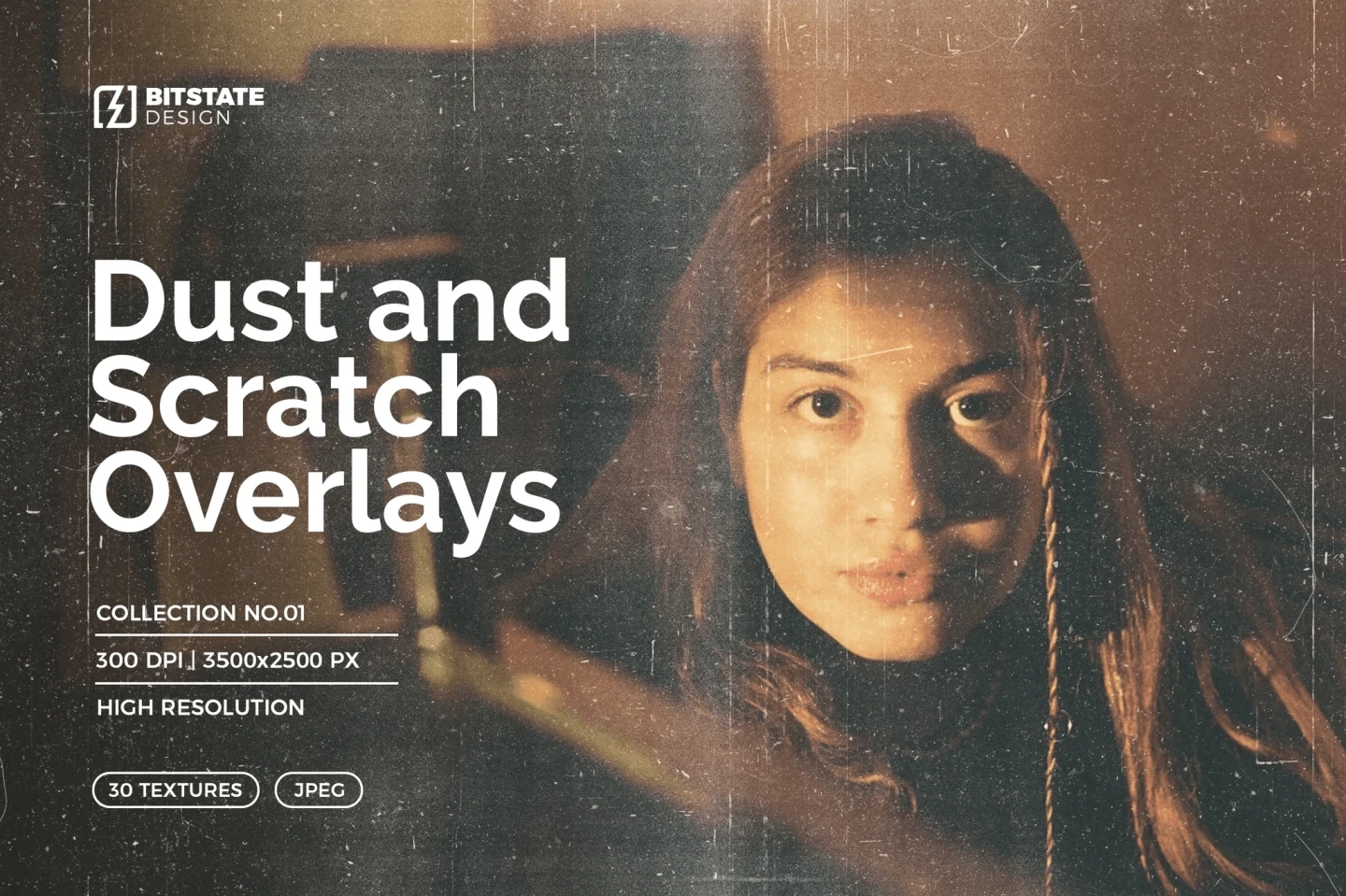
These overlays don’t just simulate dust — they add mood. Instantly, your image gains texture, depth, and a nostalgic feeling of analog film.
Sometimes, a bit of dust and noise is all it takes to make an image feel alive.
CONTINUE THE COMPOSITION04 / RELATED